A new wave of Connected Apps is rolling out to Gemini
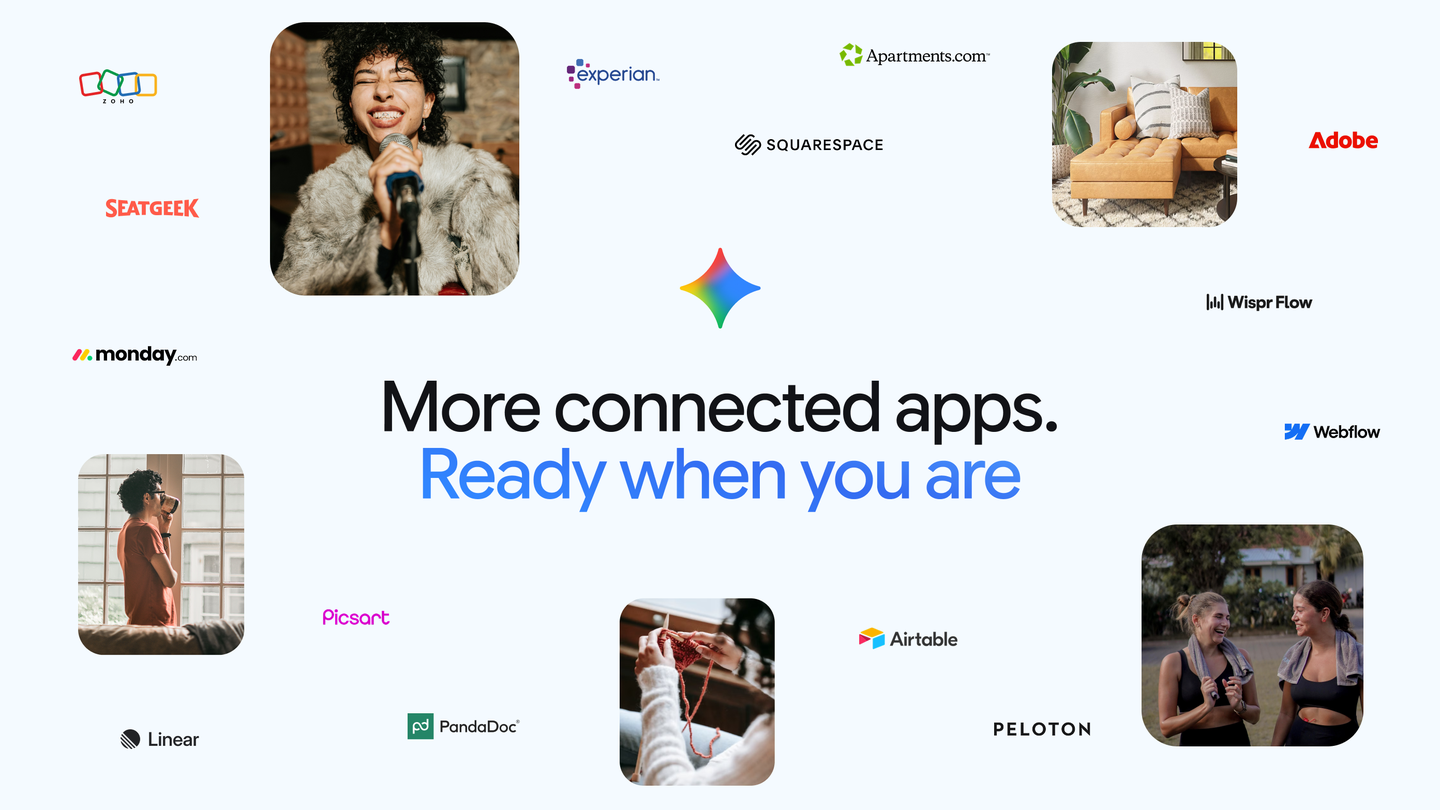
Gemini is adding new Connected Apps, including Adobe, Airtable, Linear, Peloton and more to help you easily tackle your to-do list.
By Dillip Chowdary • Sep 27, 2026 • Source: Google Keyword Blog
Google has expanded Gemini's Connected Apps ecosystem with a new batch of integrations, adding Adobe, Airtable, Linear, Peloton, and additional third-party services to the assistant's growing roster of supported platforms. The update gives users direct access to these tools from within Gemini, letting the assistant take action across apps without requiring manual tab-switching or copy-pasting between interfaces.
This piece covers what the new Connected Apps addition means for everyday Gemini users and for builders who deploy the assistant in productivity or workflow contexts. Whether you manage creative projects in Adobe, track engineering work in Linear, or coordinate operations in Airtable, understanding how this expansion changes Gemini's reach is worth a few minutes.
A new wave of Connected Apps is rolling out: what actually changed
Google has added Adobe, Airtable, Linear, and Peloton to the list of services Gemini can connect to directly. These join whatever apps were previously supported, broadening the categories Gemini can touch: design files and documents through Adobe, relational databases and project boards through Airtable, software issue tracking through Linear, and fitness data through Peloton. The phrase "and more" in Google's announcement signals the expansion is not limited to those four names, though the company has not published a full roster of every new addition at this time.
The expansion moves Gemini closer to functioning as a general-purpose task coordinator rather than a question-answering layer sitting above separate applications. Each new integration represents a handoff point: instead of generating text about a task, Gemini can initiate or retrieve actions within the connected tool itself.
A new wave of Connected Apps is rolling out: how it works
Connected Apps in Gemini function through the assistant's existing extensions and actions infrastructure. When a user authorizes a service, Gemini receives scoped access to that platform, allowing it to read data, create records, or trigger workflows depending on what the integration exposes. For Airtable, that could mean querying a base or adding a row; for Linear, it could mean creating or updating an issue; for Adobe, it may involve accessing asset libraries or document metadata.
Peloton is a notable addition because it represents a non-productivity category: fitness tracking. This suggests Google is positioning Connected Apps as a broader personal assistant layer, not solely a workplace automation tool. Users would need to connect each service individually through Gemini's settings, granting the appropriate permissions before the assistant can act on their behalf.
Advertisement
Tech Pulse Daily
Get tomorrow's pulse first
Join engineers who read Tech Pulse before stand-up. Free, weekday mornings.
A new wave of Connected Apps is rolling out: why it matters now
The timing of this expansion aligns with a broader industry push toward AI assistants that reduce context-switching. Tools like Gemini increasingly compete not just on reasoning quality but on breadth of action: an assistant that can update a Linear ticket, pull an Airtable record, and check a Peloton workout summary in a single conversation thread is meaningfully more useful than one that can only describe how those tasks might be done. Google is signaling that Gemini's utility is measured by what it can touch, not only what it can say.
For organizations evaluating AI assistant platforms, the Connected Apps list is effectively a compatibility matrix. Adding Linear brings software engineering teams into scope. Adding Adobe opens creative and marketing workflows. Each addition lowers the friction for teams already using those platforms to adopt Gemini as a coordination layer.
A new wave of Connected Apps is rolling out: who is affected
The most immediate beneficiaries are Gemini users who already have active accounts on Adobe, Airtable, Linear, or Peloton. For them, the update represents new capability with no migration cost: they can authorize Gemini's access and begin using the integration within their existing workflows. Teams using Linear for sprint planning, for instance, can now route task queries and issue creation through Gemini rather than context-switching to the Linear interface.
Creative teams using Adobe, operations teams managing structured data in Airtable, and individual fitness users on Peloton are all in scope. Builders and developers who are embedding Gemini into internal tooling should also take note, since the expanding app list means Gemini-powered products can now cover more of the tool stack their users interact with daily.
A new wave of Connected Apps is rolling out: what to watch
The phrase "and more" in Google's announcement is worth tracking. Builders integrating Gemini should monitor the full list of newly added Connected Apps once Google publishes it, because an undisclosed integration in their stack could open automation paths they have not yet planned for. The permissions model each integration uses is also worth verifying: what exactly Gemini can read versus write in each connected service will determine how safely it can be deployed in sensitive workflows like Airtable bases that hold customer data.
A longer-term signal to watch is whether Google adds functionality that allows Gemini to chain actions across multiple connected services in a single instruction. The current expansion adds breadth; the more consequential development would be cross-app orchestration that lets Gemini move data or trigger sequences spanning Adobe, Airtable, and Linear in a coordinated workflow without separate prompts.
Developer Action Items
- ☐ Verify the claim on the official Gemini / Google page (or Google Keyword Blog), not from this recap alone.
- ☐ Name the surface that moved — API, policy, model, hardware, or commercial terms — before you Slack the thread.
- ☐ Assign one owner a day to read the primary material and decide: this-sprint, this-quarter, or noise.
- ☐ Do not change production on day-one coverage. Watch the vendor changelog and one independent write-up first.

Author
Dillip Chowdary
Writes Tech Bytes coverage of AI, engineering, and the tools that actually ship. Editor of Tech Pulse Daily.
Related on Tech Bytes
Meta Connect 2026 live blog: On the ground at Mark Zuckerberg’s next big product launch
Read →
The old cybersecurity model is breaking
Read →
Deals: Apple Watch Ultra 2 clearance $200 off, AirPods, Beats 360 launch discount, iPhone…
Read →
Claude Code reads AGENTS.md only when telemetry is on
Read →
Today's Tech Pulse briefing
Full briefing →
Advertisement