Apple releases macOS 27.2 Golden Gate public beta 1
After releasing the second developer beta for macOS 27.2 Golden Gate yesterday, Apple is now rolling out the public beta as well.
By Dillip Chowdary • Oct 03, 2026 • Source: 9to5Mac

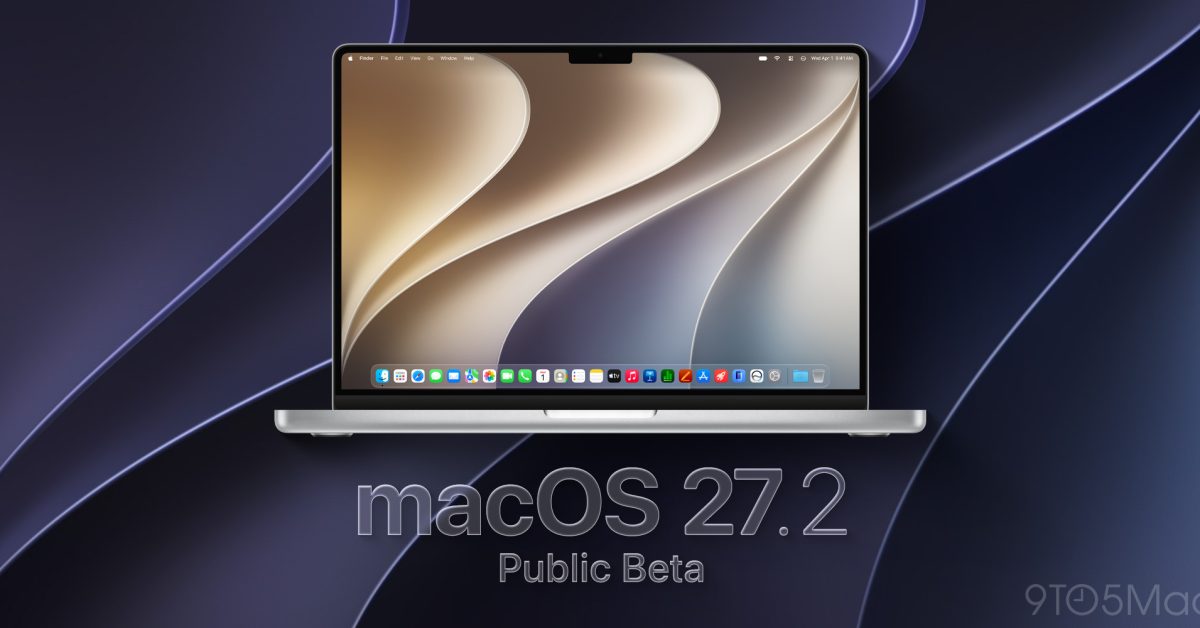
Apple released the first public beta of macOS 27.2 Golden Gate on October 3, 2026, opening the release to a broader audience a day after the second developer beta landed. The move follows Apple's standard staggered rollout: developer builds come first for early feedback, then a public beta invites registered testers to stress-test the software before it reaches general availability. This iteration carries the Golden Gate codename introduced earlier in the 27.x cycle and continues the refinement work that developer beta 2 began.
This article covers what shipped in public beta 1, what changed for developers building on Apple platforms, how to enroll and install, which compatibility issues to watch, and what milestones come next. It is aimed at macOS developers, Apple platform engineers, and technically curious users already enrolled or considering enrollment in Apple's Beta Software Program.
What Apple macOS 27.2 Golden Gate public beta 1 shipped
Apple moved macOS 27.2 Golden Gate from developer-only seeding to the public beta track with this release, making the build available to any Apple ID holder enrolled at beta.apple.com. Public betas differ from developer betas in one key respect: they typically lag the developer seed by at least one cycle, giving Apple time to incorporate the most critical crash and regression feedback before broadening exposure. Public beta 1 aligns with developer beta 2, so testers on the public track are now running the same build that developers have been evaluating since yesterday.
The release arrives through the standard Software Update mechanism in System Settings and does not require a separate download of a profile once a device is already enrolled. Apple continues seeding Golden Gate as a named interim point release within the 27.x family, distinguishing it from the main 27.0 and 27.1 branches that preceded it. No new hardware requirements accompany this beta; compatibility remains tied to whatever the 27.x cycle established at its initial announcement.
What changed for builders in Apple macOS 27.2 Golden Gate public beta 1
Because the public beta tracks developer beta 2, any fixes or API changes that landed in that build are present here. Developers maintaining Xcode projects targeting macOS 27 should verify that entitlement strings, framework availability checks, and any conditional compilation blocks that key off the OS version still compile and behave correctly against 27.2. Point releases within a named cycle occasionally introduce previously private or restricted APIs into the public surface, so reviewing the release notes Apple publishes alongside the seed is worth doing before dismissing this as a routine maintenance drop.
For continuous integration pipelines running simulator-based tests against macOS, updating the host OS on a test machine to a beta build should be done on a dedicated runner rather than a shared one, since beta installs are not supported as upgrade paths by Apple in production. If any SDK headers or module maps changed between developer beta 1 and developer beta 2, those changes are now in this public build. Archive and notarize a test build early in the beta cycle to surface any entitlement-related regressions before they accumulate.
How to install or upgrade Apple macOS 27.2 Golden Gate public beta 1
Advertisement
Tech Pulse Daily
Get tomorrow's pulse first
Join engineers who read Tech Pulse before stand-up. Free, weekday mornings.
To receive the public beta, first enroll your Apple ID at beta.apple.com, then follow the enrollment link to add the Beta Updates profile to your device. Once the profile is installed, navigate to System Settings → General → Software Update and the public beta will appear as an available update. From the command line, you can check for available updates and install the beta directly using the built-in softwareupdate tool:
```bash
# List available updates, including betas after profile enrollment
softwareupdate --list
Install the macOS 27.2 Golden Gate public beta by name
If the build name differs slightly in your locale, run the --list flag first to confirm the exact string. Devices already running a previous public beta of the 27.x cycle should receive an over-the-air delta update rather than a full installer. Before upgrading, back up with Time Machine or a third-party tool. Running a beta on a secondary or non-critical machine is the safer path for anyone whose workflow depends on stability; production machines should stay on the shipping release of macOS 27.
Gotchas and compatibility in Apple macOS 27.2 Golden Gate public beta 1
Public betas carry the same caveat as any pre-release software: third-party kernel extensions, certain security tools, and hardware drivers that have not been updated for the 27.x cycle may not function correctly or may prevent installation. Developers shipping apps through the App Store should verify that their latest app store binary still launches and passes basic smoke tests under 27.2, since Apple occasionally tightens sandboxing or permission prompts in point releases. Rosetta 2 behavior on Apple Silicon should be tested for any Intel-native binaries still in a project's dependency tree.
Virtualization software, backup tools that operate at the file system or block level, and custom kernel extensions are historically the most likely categories to surface breakage in beta transitions. Check the developer forums at developer.apple.com and the Apple Beta Feedback Assistant for known issues filed against this build before assuming a breakage is unique; common issues are frequently acknowledged in the release notes within days of seeding. Do not install this beta on a device that also serves as your primary Xcode build machine without a full backup and a tested rollback plan.
What to watch after Apple macOS 27.2 Golden Gate public beta 1
The next expected step in this cycle is developer beta 3, followed by a corresponding public beta 2, as Apple tightens the build toward a release candidate. Watch the Apple Developer news feed and beta.apple.com for seeding announcements; the gap between consecutive betas in a named point release like 27.2 Golden Gate is typically one to two weeks. If Apple resolves outstanding regression reports quickly, the release candidate could follow developer beta 3 without additional betas, which would compress the timeline.
Developers should also watch for any developer documentation updates that accompany subsequent seeds, particularly for APIs marked as in-progress or subject to change in this build. The Golden Gate naming suggests this 27.2 point release has a focused scope, so a general availability release before the end of the year is plausible based on Apple's historical cadence for named interim releases. Subscribing to the Apple Security Updates page is worthwhile since point releases occasionally bundle CVE patches not detailed in public-facing release notes until the GM ships.
Developer Action Items
- ☐ Diff the official changelog for Apple / Framework / macOS 27.2 before you bump — APIs, defaults, and removed flags only.
- ☐ Install through the vendor's documented channel in staging; keep a one-command rollback and time-box the canary.
- ☐ Grep your repo for old flag names, lockfile pins, and plugin versions that the notes mark as breaking.
- ☐ Prefer the first patch cut over the day-zero tag unless you have a reason to be on the leading edge.
- ☐ If 9to5Mac did not name a region, plan, or SKU, screenshot the official availability line before you promise it to users.

Author
Dillip Chowdary
Writes Tech Bytes coverage of AI, engineering, and the tools that actually ship. Editor of Tech Pulse Daily.
Related on Tech Bytes
Advertisement