Autopilot: Use whichever AI model you want, with one coding-agent interface
Directionally Local released Autopilot, offering weekly free GPT-6 and DeepSeek tokens alongside direct routing across twenty-five external model providers.
By Dillip Chowdary • Nov 17, 2026 • Source: github.com
At a glance
- Product
- Autopilot
- Developer
- Directionally Local
- Installer version
- dl 0.30.1
- Base price
- Free weekly tier
- Memory footprint
- 24 GB GPU min
- Context window
- Up to 1M+ tokens
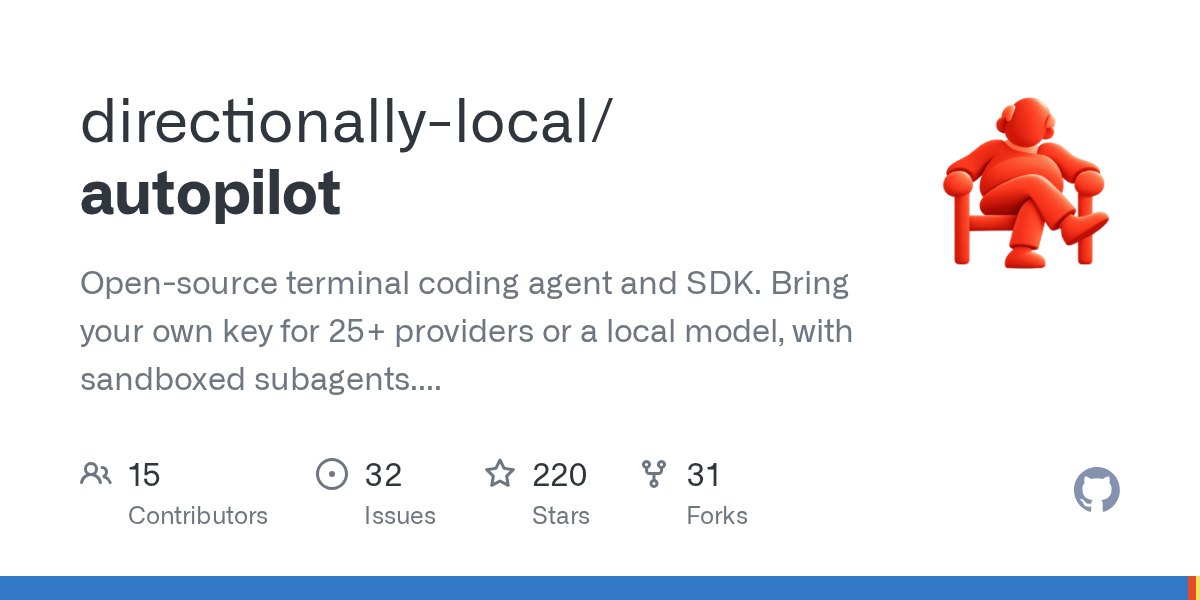
Directionally Local launched Autopilot, an open-source coding agent previously known as kimiflare that executes terminal operations autonomously without prompting for routine developer permissions. As detailed in github.com's report, the release pairs with the dl command line tool to provide weekly allocations of free GPT-6 and DeepSeek tokens alongside unmetered direct routing across twenty-five external model providers.
This article details the installation methods, provider routing mechanics, security guardrails, multi-agent coordination, and terminal rendering modes for software engineers deploying autonomous agents on local hardware.
01Installer distribution and ecosystem packages
Directionally Local packages the agent inside the dl installer utility, which handles system setup and component synchronization under a single terminal interface. The initial installation command deploys dl version 0.30.1 alongside the agent binary, presenting the Ask dl anything interactive workspace prompt. The tool manages version updates across both components together to ensure consistent runtime stability.
Engineers can also install the agent independently through the global npm registry using the autopilot-ai package name. Running Autopilot standalone executes directly from standard user paths while maintaining full compatibility with companion Directionally Local tools like the Hotcell container environment and Serverless Objects runtime.
Note: Installations managed through the dl utility bundle updates together, requiring users to run dl update rather than relying on standard npm commands.
02Direct provider routing and catalog access
- Provider selection Launch the agent prompt to select a supported provider or supply existing environment variables.
- Credential validation Verify the connected API key through the automatic pre-save connection check.
- Model assignment Choose an active model deployment from the live catalog using fuzzy search or benchmark scores.
Autopilot connects directly to upstream model endpoints, sending completion requests to chosen providers without proxy layers or price markups. Connecting through the recommended OpenRouter integration unlocks a live catalog spanning Claude, GPT, Gemini, Grok, Qwen, GLM, Kimi, and DeepSeek models. Sessions maintain sticky routing to keep long prompt caching prefixes warm across turns while selecting providers with the highest tool-call reliability.
The terminal status interface displays real-time generation costs per turn, marking local approximations until exact billed numbers arrive from upstream services. An append-only ledger named history.jsonl records daily usage permanently, allowing cost commands to calculate accurate monthly and all-time expenditures directly within the active terminal workspace.
Advertisement
Tech Pulse Daily
Get tomorrow's pulse first
Join engineers who read Tech Pulse before stand-up. Free, weekday mornings.
03Execution modes and credential guardrails
| Mode | Default State | Permitted Operations |
|---|---|---|
| plan | Whitelist only | Read-only inspection tools like glob, grep, and web fetch |
| edit | User prompt | All file modifications with interactive confirmation per call |
| auto | Unrestricted | Autonomous execution for trusted tasks without prompts |
Autopilot runs in auto mode by default, completing trusted interactive tasks without manual approval prompts until users toggle restrictive settings. Enabling modes switches the active session to edit, which prompts before executing mutating bash commands, file writes, or language server renames. Headless SDK sessions initialize in edit by default, while plan mode restricts execution strictly to read-only research tools.
Irreversible actions enforce interactive confirmation across all operational modes, requiring typed confirmation for production environments and external recovery points for undo operations. Credential files including SSH directories, AWS keys, and local environment configs require explicit user consent before read operations execute. Outbound network tools block unapproved requests targeting private networks, loopback addresses, or cloud metadata endpoints at 169.254.169.254.
04Workspace configuration and multi-agent coordination
Autopilot discovers and applies existing project configurations without modifying repository files or sending data to external servers. The import scanner recognizes CLAUDE.md guidelines, GEMINI.md instructions, Cursor rules, Copilot configurations, Claude Code commands, and Model Context Protocol servers in place. Dedicated audit commands present developers with an interactive summary checklist verifying all imported rules before execution begins.
The core coordinator assesses incoming tasks for independent research requirements and delegates modular work to background subagents without specialized phrasing. Subagent processes inherit full permission controls, executing through designated provider backends under standard guardrail monitoring. For long-running unattended tasks, a headless server detaches jobs, sleeps between check-ins, and enforces optional runtime, token, and cost budgets.
05Terminal rendering architecture and local engines
Interactive sessions render through the Camouflage visual engine, presenting structured output and keyboard-navigated permission modals. If the renderer crashes three times within one minute or fails before drawing, Autopilot switches automatically to a simple line-by-line fallback view. The simple view processes single input lines, prints tool responses sequentially, and logs crash diagnostics to local text files.
Developers can launch the simple view directly using command line flags or environment variables when full visual rendering is unavailable. Systems featuring an Nvidia graphics card with 24 GB or more of memory can run models locally on device. This on-premise execution path allows developers to run autonomous agent workflows entirely on personal hardware.
Frequently asked questions
What models are available on the free tier?
The free tier provides weekly allotments of GPT-6 and DeepSeek tokens through a GitHub sign-in without requiring a credit card.
How does Autopilot protect sensitive local files?
The agent blocks unprompted reads of credential files such as SSH keys, AWS configs, and local environment files, while restricting access to private network addresses and cloud metadata.
What happens if the Camouflage interface crashes?
Autopilot switches automatically to a plain line-by-line terminal view after three crashes within one minute, saving crash reports locally for debugging.
Can Autopilot import existing coding agent rules?
Autopilot automatically discovers and uses rules from CLAUDE.md, GEMINI.md, Cursor, Copilot, and Model Context Protocol servers in place without modifying repository files.
Sources

Author
Dillip Chowdary
Writes Tech Bytes coverage of AI, engineering, and the tools that actually ship. Editor of Tech Pulse Daily.
Related on Tech Bytes
Advertisement