Claude Fable 5.2 HTML Files news update news update
MiaAI Lab released the Claude Fable 5.2 HTML marbling artifact, rendering a mathematical Canvas 2D suminagashi simulation with polyline displacement.
By Dillip Chowdary • Nov 10, 2026 • Source: miaai-lab.github.io
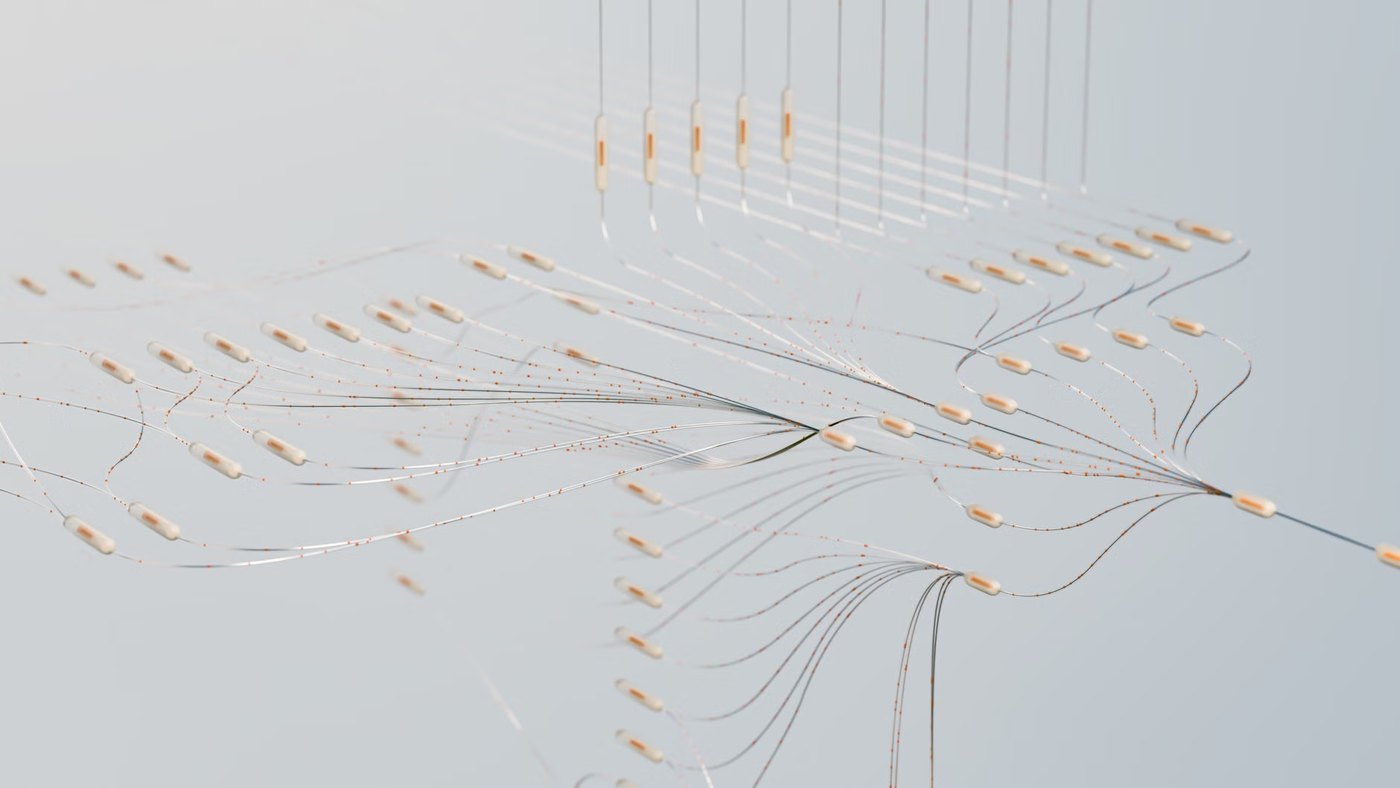
MiaAI Lab published an interactive generative art artifact titled Suminagashi — The Marbling Tray as part of its miaai-lab.github.io's report on Claude Fable 5.2 HTML generation capabilities. The project demonstrates full-bleed Japanese and Turkish suminagashi marbling simulated directly inside a single Canvas 2D surface, where fluid ink layers float on water and deform dynamically as new rings expand.
This piece covers the technical implementation, mathematical displacement mechanics, typography guidelines, tool controls, and canvas interaction patterns established in the release. The report serves frontend engineers, creative technologists, and generative design specialists examining how modern AI models structure complex interactive graphics simulations without external rendering libraries.
01Canvas mathematical displacement polyline architecture
The simulation models fluid surface physics by treating every individual drop of ink as an independent closed polyline built from a circle containing several hundred discrete vertices. When a user introduces a new ink drop at center coordinates C with a designated radius r, the system shifts every pre-existing vertex P outward according to the mathematical displacement formula P' = C + (P − C) * sqrt(1 + r² / |P − C|²). This formulation forces earlier deposited rings to deform into tightly squeezed, nested boundary bands that mirror authentic physical paper marbling.
To prevent degradation during heavy displacement, the engine resamples polylines whenever individual line segments stretch beyond threshold lengths, preserving smooth continuous curves. Dragging across the canvas surface pulls a tine through the floating ink, displacing nearby vertices along the stroke direction with exponential falloff scaled by perpendicular distance from the drag line. This classic tine-line formula generates feathered chevrons and traditional combed suminagashi patterns without requiring grid-based fluid solvers.
02Palette selection and interactive visual styling
The aesthetic workspace replicates a quiet marbling bench seen from above, defined by a palette anchored around water and paper at #F3ECDD, indigo at #1B2A49, vermilion at #C4452D, celadon teal at #2F7F79, and ochre at #E0A526. Clear ox-gall drops set to the base paper shade open negative space voids across existing color bands, while faint drifting caustic light patterns and subtle paper grain wash across the liquid surface. The shallow water rests within a thin dark wooden rim at #3A2A1E featuring an inner shadow and an expanded side ledge that houses physical drawn tools instead of standard user interface elements.
| Feature Attribute | Prompt Specification | Implemented Value |
|---|---|---|
| Canvas Palette | Paper, indigo, vermilion, teal, ochre | #F3ECDD, #1B2A49, #C4452D, #2F7F79, #E0A526 |
| Tray Rim Color | Dark wooden border | #3A2A1E with inner shadow |
| Entrance Sequence | Timed drop sequence | 7 drops at 600ms cubic-bezier(.2,.8,.2,1) |
| Polyline Resampling | Vertex segment stretching | Dynamic boundary curve smoothing |
| Colophon Studio | Invented maker workshop | Ukigumo Workshop red seal SVG |
Typography on the canvas relies on small, letterspaced Georgia small caps placed on a corner paper slip, accompanied by a hanging vertical paper strip that displays English words rendered in a vertical Japanese-style colophon writing mode. A hand-drawn vector red seal stamps the invented studio label Ukigumo Workshop alongside a sparse summary line stating that ink floats while water remembers everything done to it. Interactive tool labels remain understated, constrained to 10–11px small caps across the wooden tray perimeter.
03Input controls and print extraction sequence
Advertisement
Tech Pulse Daily
Get tomorrow's pulse first
Join engineers who read Tech Pulse before stand-up. Free, weekday mornings.
Users manipulate the fluid tray using direct mouse clicks, continuous taps, or mapped keyboard shortcuts. Pressing number keys 1 through 5 swaps active pigment bowls, key S selects the single stylus, key C selects the five-tine comb, key F triggers a rotational curl-field fan, key P initiates a print pull, and key K skims the water surface clean with a paper strip. Holding a click or tap increases the drop duration, growing the ring continuously until release, while arrow keys maneuver an active coordinate cursor and the space bar deposits ink.
Selecting the pull print operation initiates a multi-stage physical transition sequence where a paper rectangle unrolls across the canvas surface, casts a soft shadow line, and displays ink soaking faintly through its back fibers. The sheet then lifts away from the surface, flips over to reveal a mirrored transfer of the floating design, shrinks in scale, and docks into a display strip of completed prints alongside the tray edge. Each archived print displays a deckled edge, an individualized rotation angle, a red chop mark, and an expandable inspection view detailing the time pulled and pigments applied.
04Command switches and operational model configuration
Developers executing interactive canvas generation workflows with Claude can pin model sessions, switch active model states, or update the local development client through standard CLI instructions.
npm install -g @anthropic-ai/claude-codeclaude --model fable/model fableRunning these commands launches the terminal coding environment pinned to the Fable architecture or switches the runtime model inside an active session. Setting the global default or passing the explicit model flag directs code generation toward standalone single-file canvas implementations that execute mathematical polyline transformations directly in standard browser viewports.
05Motion accessibility and performance constraint handling
The suminagashi canvas environment integrates accessibility controls that monitor operating system preferences for reduced motion. When active, the system skips the opening three-second entrance sequence, suppressing the automated easing animation where seven drops expand sequentially over 600 milliseconds using a cubic-bezier(.2,.8,.2,1) curve followed by an automated comb sweep. Instead, the tray renders an established pattern immediately upon initialization.
Surface-level visual effects such as moving liquid caustics are disabled in reduced motion modes, and newly pulled paper prints materialize directly inside the collection rack without executing the arc flight or rotation path across the viewport. A dedicated brass bowl positioned on the wooden perimeter serves as a persistent toggle for optional audio feedback, remaining disabled by default to maintain quiet workshop operation.
Claude Fable 5.2 HTML Files news update news FAQ
What formula does Claude Fable 5.2 use for ink displacement?
The simulation calculates vertex movement using the mathematical displacement formula P' = C + (P − C) sqrt(1 + r² / |P − C|²), shifting existing polygon points outward as new drops enter the water.
How are tool selections triggered inside the marbling tray?
Users select tools by clicking drawn objects on the wooden rim or pressing keys 1 through 5 for ink colors, S for stylus, C for comb, F for fan, P for print, and K to skim the tray.
What happens when pulling a print in the marbling simulation?
A paper sheet unrolls across the water, soaks up the ink pattern, lifts off, flips horizontally to show the mirrored print, and lands in a rack along the edge while leaving a pale ghost of ink on the tray.
Sources

Author
Dillip Chowdary
Writes Tech Bytes coverage of AI, engineering, and the tools that actually ship. Editor of Tech Pulse Daily.
Related on Tech Bytes
Advertisement