Enterprise-managed settings support any default model
You can now set your preferred GitHub Copilot model as the default for new conversations through enterprise-managed settings.
By Dillip Chowdary • Sep 02, 2026 • Source: GitHub Changelog
What happened
GitHub has released a update to its enterprise administrative controls that allows organization administrators to set a preferred GitHub Copilot model as the default option for all new chat conversations. This configuration is managed directly through the enterprise-managed settings console, centralizing the model selection process. By establishing a primary model at the enterprise level, organizations can ensure that their development teams automatically start their interactions with the specific model that has been approved or selected for their workflow.
Back to changelog You can now set your preferred GitHub Copilot model as the default for new conversations through enterprise-managed settings. You can also customize the default by enterprise team, assigning a different default model based on team membership.
How it works
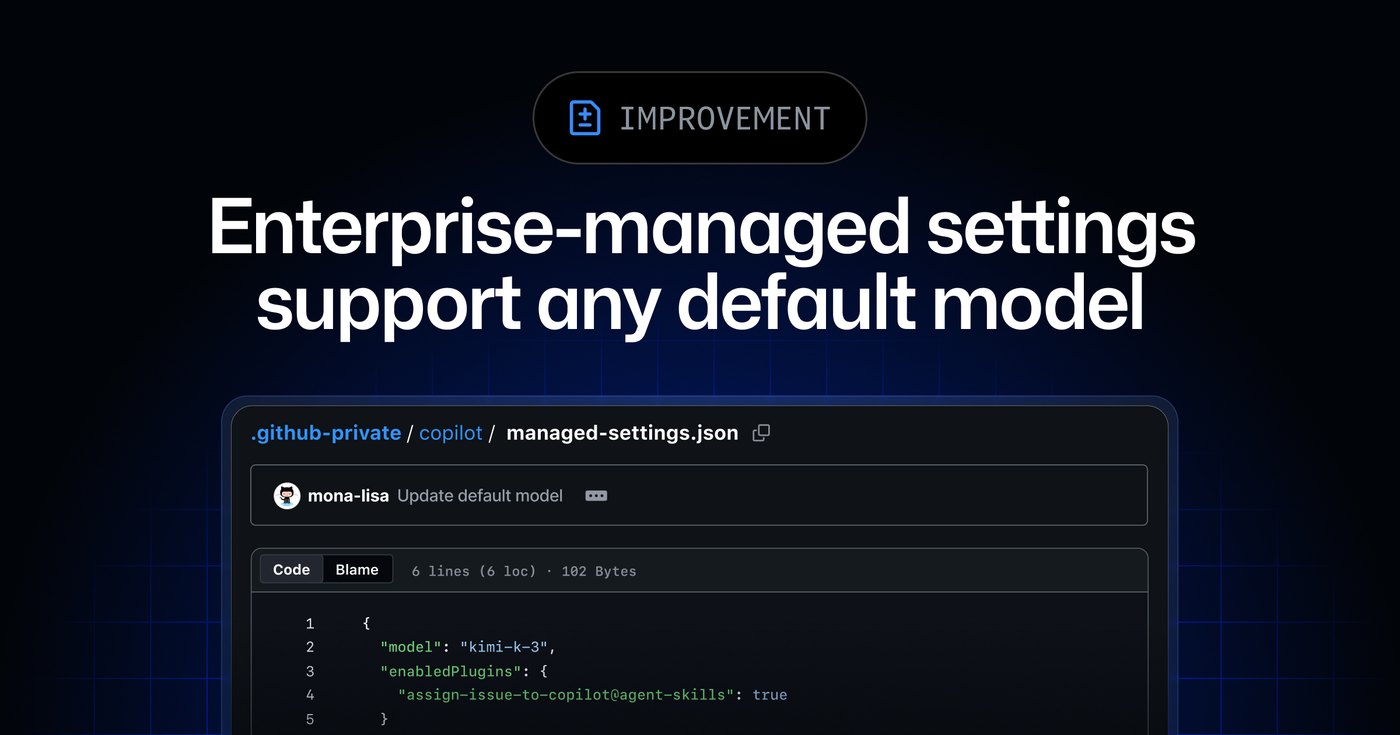
Set the model key as overridable and update team configuration files in team-mappings.json so that enterprise teams can choose their own preferred default model. Model defaults in managed settings are generally available with Copilot Business and Copilot Enterprise in the GitHub Copilot app, Copilot CLI, and Visual Studio Code.
Advertisement
Tech Pulse Daily
Get tomorrow's pulse first
Join engineers who read Tech Pulse before stand-up. Free, weekday mornings.
Why it matters
Learn more in our docs about enterprise managed settings, or join the discussion in the GitHub Community. See the full write-up from GitHub Changelog via the source link for quotes and complete context.
Who is affected
Read the original coverage at GitHub Changelog via the source link above for the complete details and primary quotes.
What to watch next
Cross-check release notes and official docs before changing production systems based on early reporting.
Developer Action Items
- ☐ Diff the official changelog for GitHub / Copilot before you bump — APIs, defaults, and removed flags only.
- ☐ Install through the vendor's documented channel in staging; keep a one-command rollback and time-box the canary.
- ☐ Grep your repo for old flag names, lockfile pins, and plugin versions that the notes mark as breaking.
- ☐ Prefer the first patch cut over the day-zero tag unless you have a reason to be on the leading edge.
- ☐ If GitHub Changelog did not name a region, plan, or SKU, screenshot the official availability line before you promise it to users.

Author
Dillip Chowdary
Writes Tech Bytes coverage of AI, engineering, and the tools that actually ship. Editor of Tech Pulse Daily.
Related on Tech Bytes
Google says its new Gemini 3.8 Flash model ‘works harder’ but might cost more
Read →
Anthropic upgrades Claude’s computer use to run in the background on Mac
Read →
Claude config-drift-checker: CI for your Claude.md, skills and hooks
Read →
Building Commerce Agents with Claude
Read →
Today's Tech Pulse briefing
Full briefing →
Advertisement