GitHub Copilot app, Universe releases: Work doesn’t always fit in a single
GitHub launched Copilot Projects and desktop computer use in public preview, bringing multi-repo background agents and OS automation to macOS and Windows.
By Dillip Chowdary • Nov 10, 2026 • Source: GitHub Changelog
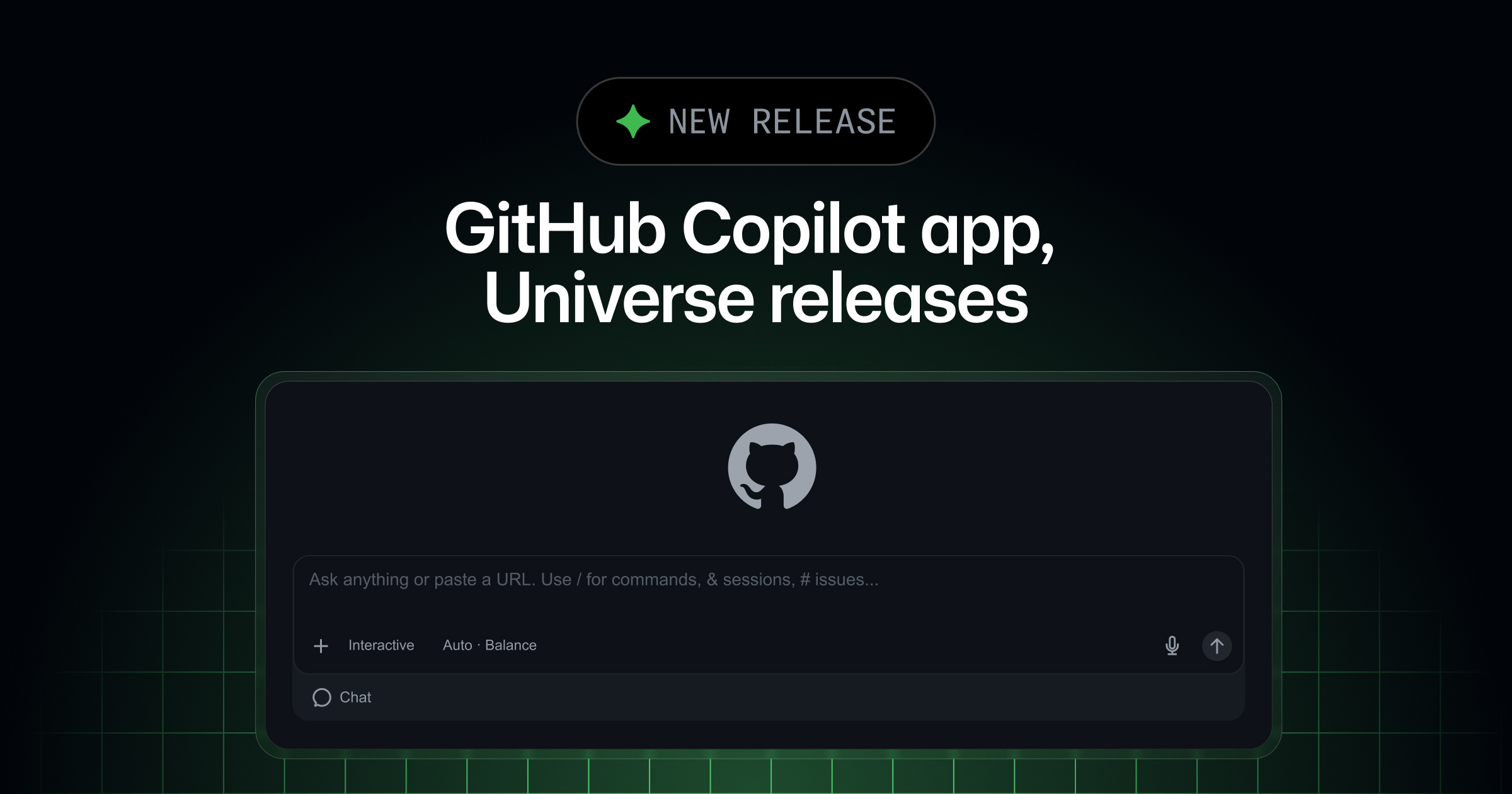
GitHub expanded its developer tooling ecosystem with the release of Projects and operating system computer use inside the dedicated GitHub Copilot app, according to details published in GitHub Changelog's report. The update targets software initiatives that extend past isolated code repositories, centralizing cross-repository workflows, external design assets, meeting notes, and autonomous agents in a single workspace. By executing operations in the background, the application allows developers to delegate complex development and administrative tasks while maintaining human oversight through pull request reviews and explicit system approvals.
This report covers the architecture of Copilot Projects, third-party context integrations, desktop computer use capabilities, security controls, and onboarding steps. The feature set is designed for software engineers, engineering leads, and technical product managers who manage multi-repository codebases or coordinate cross-functional work involving non-code assets. With public previews rolling out on macOS and Windows, development teams can now structure multi-agent task execution without leaving their primary desktop workflow.
01Multi-repository context and background agent execution
Copilot Projects in the GitHub Copilot app serve as a unified hub for tasks that cannot be contained within a single Git repository or terminal session. Users establish a project by defining an end objective and attaching relevant project context, including multiple target repositories, design mockups, Slack discussion threads, and raw meeting notes. Once configured, developers select specific models and tools tailored to the required task.
The system orchestrates multiple background agents concurrently across the specified repositories to fulfill the defined goal. Agents operate asynchronously, retrieving assets, implementing code changes, and compiling deliverable outputs such as draft pull requests.
Human checkpoints remain embedded in the loop, prompting the user for guidance only when an agent encounters ambiguity or requires final code review. Developers handling single-repository tasks can still initiate isolated, direct sessions from an individual repository without creating a wider project container.
Project automations also enable scheduled or event-driven execution for repetitive project lifecycles. Teams can configure triggers that run background jobs automatically when specific project milestones occur, such as generating promotional video assets whenever a designated product feature merges. This approach removes manual coordination when synchronizing code changes with downstream marketing, documentation, or operational collateral.
02Connected workplace context and natural language image editing
Software development routinely requires context from external collaboration platforms before implementation begins in source files. The GitHub Copilot app integrates directly with workplace services including Slack and Figma, pulling external documentation directly into the active editing environment. Builders can research feature requirements, draft formal technical specifications, and cross-reference interface designs side by side with application source code.
Chat interactions inside the app also support native image generation and editing using natural language prompts. Developers and designers can manipulate asset files or produce interface mockups directly within the same chat pane used for code discussion. Consolidating external discussion threads, interface mocks, and asset editing into the workspace prevents constant context switching between standalone browser tabs and desktop communication clients.
The update shifts the GitHub Copilot app from an isolated code assistant into a multi-asset workspace. The following comparison outlines the technical scope available in standard repository sessions compared to the new Copilot Projects environment:
| Capability | Standard Repository Sessions | Copilot Projects Preview |
|---|---|---|
| Repository Scope | Single local or remote repository | Multiple repositories simultaneously |
| Context Inputs | Local workspace code and active Git tree | Repositories, Slack threads, Figma mocks, notes |
| Agent Execution | Foreground interactive chat turns | Multiple concurrent background agents |
| Task Deliverables | Immediate diffs and local file edits | Multi-repo pull requests and project automations |
| Asset Tooling | Text-based source code modification | Code generation, specs, natural language image editing |
03Desktop control through operating system computer use
Advertisement
Tech Pulse Daily
Get tomorrow's pulse first
Join engineers who read Tech Pulse before stand-up. Free, weekday mornings.
Computer use introduces automated user interface control inside the GitHub Copilot app, currently available in public preview across macOS and Windows. The capability enables Copilot to interact with desktop applications that lack native APIs, command-line interfaces, or Model Context Protocol integrations. The agent parses on-screen application content, navigates between active windows, selects visual controls, and inputs or edits text fields directly.
This interface automation is designed to handle administrative and multi-window operational sequences, such as filling out and submitting expense-report workflows across enterprise desktop clients. By reading screen elements and executing keyboard and mouse actions, Copilot handles repetitive administrative processes that previously required manual data entry across disconnected enterprise desktop tools.
Automated navigation operates across standard desktop software without requiring custom integration scripts or third-party adapters. Because the system interacts with applications at the presentation layer, development teams can connect legacy internal software and proprietary desktop utilities directly into Copilot-driven workflows.
04Administrative permissions and security controls
Operating system automation introduces strict security boundaries within the application. Computer use requires explicit administrative enablement and does not execute UI actions autonomously without user consent. Organizations operating under centralized IT policies can deactivate computer use entirely across all managed developer machines through organizational configuration profiles.
For individual developer environments where the feature is permitted, users must navigate to the application preferences, select the dedicated computer use menu, and toggle on the activation switch. On macOS systems, the operating system enforces additional hardware-level privacy gates, requiring developers to manually grant Accessibility and Screen Recording permissions before the application can read display buffers or issue synthetic mouse clicks.
To prevent unintended desktop modifications, Copilot pauses before taking control of any desktop software and requests explicit user approval. Actions across system dialogs, third-party software, and administrative panels remain gated behind this confirmation prompt, ensuring that automated screen navigation cannot alter sensitive applications without visibility.
05Setup steps and application configuration
Accessing Copilot Projects and computer use requires downloading the latest GitHub Copilot app build or updating an existing local installation. For team members operating in managed developer environments, installation packages and updates distribute through standard package tools:
gh extension upgrade gh-copilotTo configure desktop automation on supported machines, developers enable the setting inside the application interface:
open "github-copilot://settings/computer-use"Once inside application settings, users navigate to Settings > Computer Use and select Enable Computer Use. On macOS, users complete the configuration by opening System Settings > Privacy & Security, then checking the boxes for the GitHub Copilot app under both Accessibility and Screen Recording. After permissions are granted, users can launch multi-repository projects or assign desktop automation tasks directly through the primary application window and participate in feedback threads hosted on GitHub Community.
GitHub Copilot app, Universe FAQ
What operating systems support the computer use feature in the GitHub Copilot app?
Computer use is currently supported in public preview on macOS and Windows systems.
How does GitHub Copilot handle desktop security during automated tasks?
Copilot requires users to manually enable the feature, asks for explicit approval before controlling an app, and respects managed organization settings that can disable the feature entirely.
Can Copilot Projects interact with non-code project assets?
Yes, Copilot Projects can ingest context from connected tools like Slack and Figma, import design mocks and meeting notes, and generate or edit images directly in chat.
Sources

Author
Dillip Chowdary
Writes Tech Bytes coverage of AI, engineering, and the tools that actually ship. Editor of Tech Pulse Daily.
Related on Tech Bytes
Advertisement