macOS 27.3 could change how you grant AI agents Full Disk Access, here’s
Apple is removing an automatic Settings logging loophole in macOS 27.3 to stop AI agents from easily obtaining Full Disk Access to personal files like iMessage.
By Dillip Chowdary • Nov 08, 2026 • Source: 9to5Mac
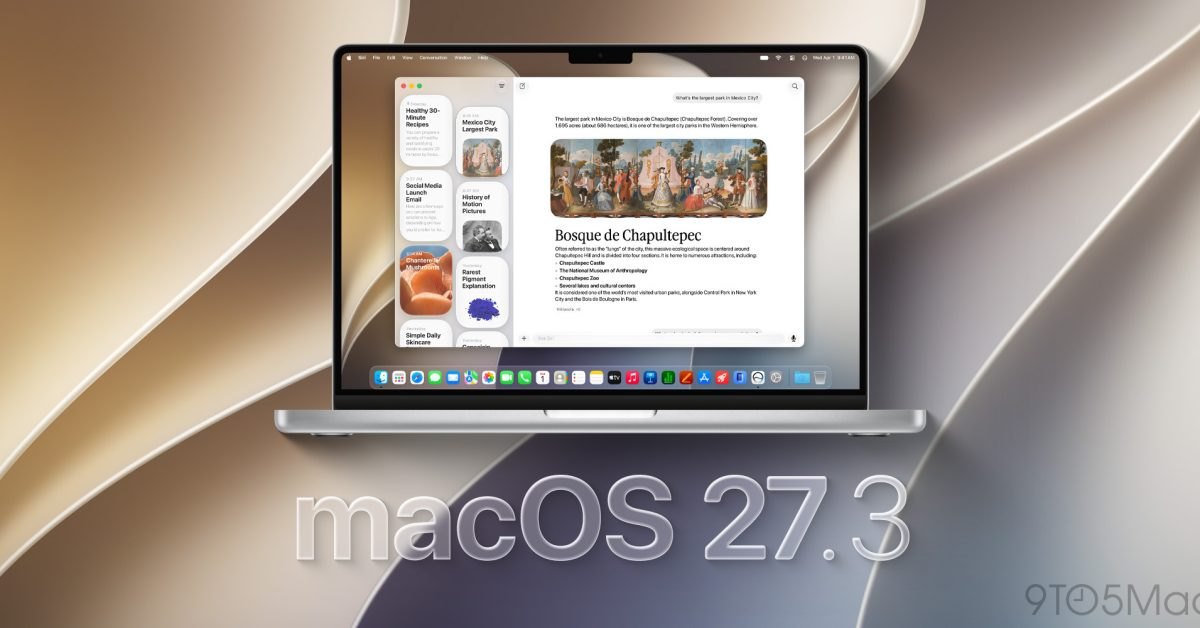
Apple is preparing to tighten permission controls across macOS by eliminating a long-standing system loophole that automated how apps request unrestricted disk privileges. According to details surfaced in 9to5Mac's report, the upcoming macOS 27.3 release introduces structural adjustments to Full Disk Access after widespread concerns regarding autonomous AI agents seeking full administrative visibility into local files and subsequently compromising user data without adequate consent. Apple previously revealed plans to require very explicit user action before any software gains complete storage inspection privileges, and internal system changes currently in development show how the operating system will enforce those boundaries.
This analysis details the mechanics of the emerging security policy, examines the architectural impact on local AI tools, and outlines the operational steps Mac developers must take to prepare their applications. Engineers building autonomous assistants, script harnesses, and workspace integrations face tighter sandboxing rules that restrict how background processes interface with local system directories. Understanding these policy adjustments ensures system administrators, software creators, and privacy-conscious users can maintain essential tool functionality while preventing unmonitored data exposure across personal directories.
What MacOS 27.3 could change how you grant AI shipped
Apple is eliminating the automatic permission registry that previously populated application toggles inside System Settings whenever an unauthorized process attempted to inspect protected storage paths. Under earlier macOS versions, an application attempting to read a restricted directory without authorization was automatically blocked, but the operating system quietly registered that application as an inactive toggle inside the Full Disk Access menu. Software developers took advantage of this registration routine by programming their applications to deliberately touch protected files, immediately directing the user to System Settings where the app was already indexed and waiting for a single authorization click.
Code analysis published on November 7, 2026, by researcher pdfu revealed that macOS 27.3 suppresses this automatic logging mechanism entirely whenever an application reads outside its authorized scope. When background AI agents or utility scripts attempt to scan system files without prior authorization, the operating system denies the request silently without generating a shortcut listing in System Settings. By severing the link between runtime permission denials and automatic preference indexing, Apple forces software to abandon scripted onboarding flows that rely on system-generated toggle shortcuts.
What changed for builders in MacOS 27.3 could change how you grant AI
Software engineers building desktop productivity clients and local agents must adapt their onboarding flows to handle strict access rejections. Because the operating system no longer creates an entry in System Settings when a file denial occurs, developers cannot instruct users to navigate to Privacy and Security to simply flip a switch. Instead, application installers and setup assistants must rely on manual dragging routines, requiring users to drag the executable icon directly from the Finder into the Full Disk Access pane to establish storage permissions.
| Permission Behavior | Current macOS | macOS 27.3 Implementation |
|---|---|---|
| System Settings Registration | Automatic entry upon first denied access | Zero automatic registration on denial |
| User Setup Action | Flip pre-populated toggle switch | Manually drag application binary into panel |
| Access Granularity | Blanket disk access across entire drive | Blanket disk access or isolated Private Folders |
| Privilege Scope | Unrestricted access to messaging databases | Phased containment targeting sensitive paths |
The structural shift highlights the ongoing friction between granular permissions and agent utility. Many local AI agents request Full Disk Access specifically because macOS provides no isolated interface to read communication histories like the local iMessage database. If an assistant needs to summarize conversations or surface calendar context, it must demand universal storage rights. To address this friction without granting blanket access, early system indicators suggest Apple is exploring Private Folders, an architecture designed to grant scoped visibility into targeted folders like chat databases without exposing the entire volume.
How to install or upgrade MacOS 27.3 could change how you grant AI
Advertisement
Tech Pulse Daily
Get tomorrow's pulse first
Join engineers who read Tech Pulse before stand-up. Free, weekday mornings.
Developers testing early builds of macOS 27.3 can verify agent compliance and test feature flags across testing environments using standard terminal commands. Because local agent harnesses like Claude Code or custom Node scripts run into permission barriers when reading system paths, maintaining current CLI versions across the workstation prevents unexpected runtime denials. Developers tracking agent behavior across macOS testing partitions can update global packages and verify operational flags directly through the terminal environment.
npm install -g @anthropic-ai/claude-codeclaude updateWhen validating how an agent functions under restricted storage conditions, builders can launch specific test environments, lock model flags, or set default interaction parameters to ensure fallback routines trigger gracefully when file reads fail. Testing workflows allow engineers to confirm whether an application informs the user of a missing directory path instead of failing silently when macOS denies access.
claude --model fable/model claude-fable-5-1Gotchas and compatibility in MacOS 27.3 could change how you grant AI
The primary limitation of the update is that removing the Settings toggle loophole does not fully eliminate the security risks associated with Full Disk Access. Developers can still bypass the lack of automatic registration by asking users to manually drag an application icon directly into the Privacy and Security list. While dragging requires a more deliberate physical action than clicking a toggle, it fails to deliver the true fine-grained protection users require when evaluating autonomous software that might act unpredictably with private personal files.
Furthermore, applications that legitimately require access to specific personal files remain burdened by all-or-nothing permission gates. If a developer builds an AI scheduling assistant that reads local text message receipts to detect appointment changes, the software cannot request read-only rights restricted solely to the message directory. Users who wish to utilize these capabilities must continue handing over access to their entire home directory, leaving documents, personal photos, and sensitive developer keys vulnerable until Apple completes development on scoped folder permissions.
What to watch after MacOS 27.3 could change how you grant AI
The critical milestone following the rollout of macOS 27.3 will be the implementation details surrounding Private Folders. Leaks from system investigations indicate Apple is actively developing Private Folders as a mechanism to compartmentalize sensitive locations, potentially allowing users to approve access to the iMessage repository without granting visibility across the broader operating system. If Apple successfully deploys scoped folders in upcoming revisions, Full Disk Access will no longer serve as the default baseline requirement for personal automation tools.
Until scoped directories arrive in production builds, builders and enterprise administrators must audit existing tool configurations. Teams deploying autonomous coding assistants and desktop agents should monitor developer beta notes to confirm when feature flags transition into default system policies. Preparing documentation that guides end users through manual application dragging while transitioning workflows toward explicit API integrations will minimize permission friction as Apple continues refining its desktop privacy architecture.
Developer Action Items
- ☐ Diff the official changelog for Apple / macOS 27.3 before you bump — APIs, defaults, and removed flags only.
- ☐ Install through the vendor's documented channel in staging; keep a one-command rollback and time-box the canary.
- ☐ Grep your repo for old flag names, lockfile pins, and plugin versions that the notes mark as breaking.
- ☐ Prefer the first patch cut over the day-zero tag unless you have a reason to be on the leading edge.
- ☐ If 9to5Mac did not name a region, plan, or SKU, screenshot the official availability line before you promise it to users.
MacOS 27.3 could change how you grant AI FAQ
Why is Apple changing how Full Disk Access is granted in macOS 27.3?
Apple is updating the system to prevent AI agents and third-party apps from exploiting an automatic logging loophole that made it too easy to gain unrestricted access to user data.
How does the new macOS 27.3 permission change affect app installation?
Apps denied file access will no longer appear automatically in System Settings, requiring users to manually drag an app icon into the Full Disk Access pane instead of flipping an existing toggle.
What are Private Folders in macOS development?
Private Folders are an experimental scoping feature under development that could allow users to grant an agent access to specific directories, such as iMessage data, without exposing the entire drive.
Sources

Author
Dillip Chowdary
Writes Tech Bytes coverage of AI, engineering, and the tools that actually ship. Editor of Tech Pulse Daily.
Related on Tech Bytes
Advertisement