Not All LLM Workloads Are Equal: Benchmarking TPU Performance
Moving Large Language Models (LLMs) from experimental prototypes into enterprise production exposes a critical truth: your infrastructure dictates both your.
By Dillip Chowdary • Sep 06, 2026 • Source: Google Cloud Blog
What happened
Moving Large Language Models from experimental prototypes into enterprise production exposes a critical truth that most teams discover too late: the infrastructure you choose sets both the ceiling on your performance and the floor on your unit economics. A Google Cloud Blog post highlights a finding that is easy to overlook when shopping for accelerator hardware — not all LLM requests stress the silicon in the same way, and treating every workload as equivalent leads to misconfigured deployments and avoidable cost overruns.
This article unpacks the benchmarking analysis Google Cloud published on Tensor Processing Unit performance across two fundamentally different LLM task types: text classification and text generation. If you are an ML engineer deciding which hardware tier to deploy on, a platform architect modeling cost per inference, or a technical lead who needs to explain to finance why one endpoint costs twice as much as another, the distinction drawn here is the one you need to internalize before your next capacity review.
How it works
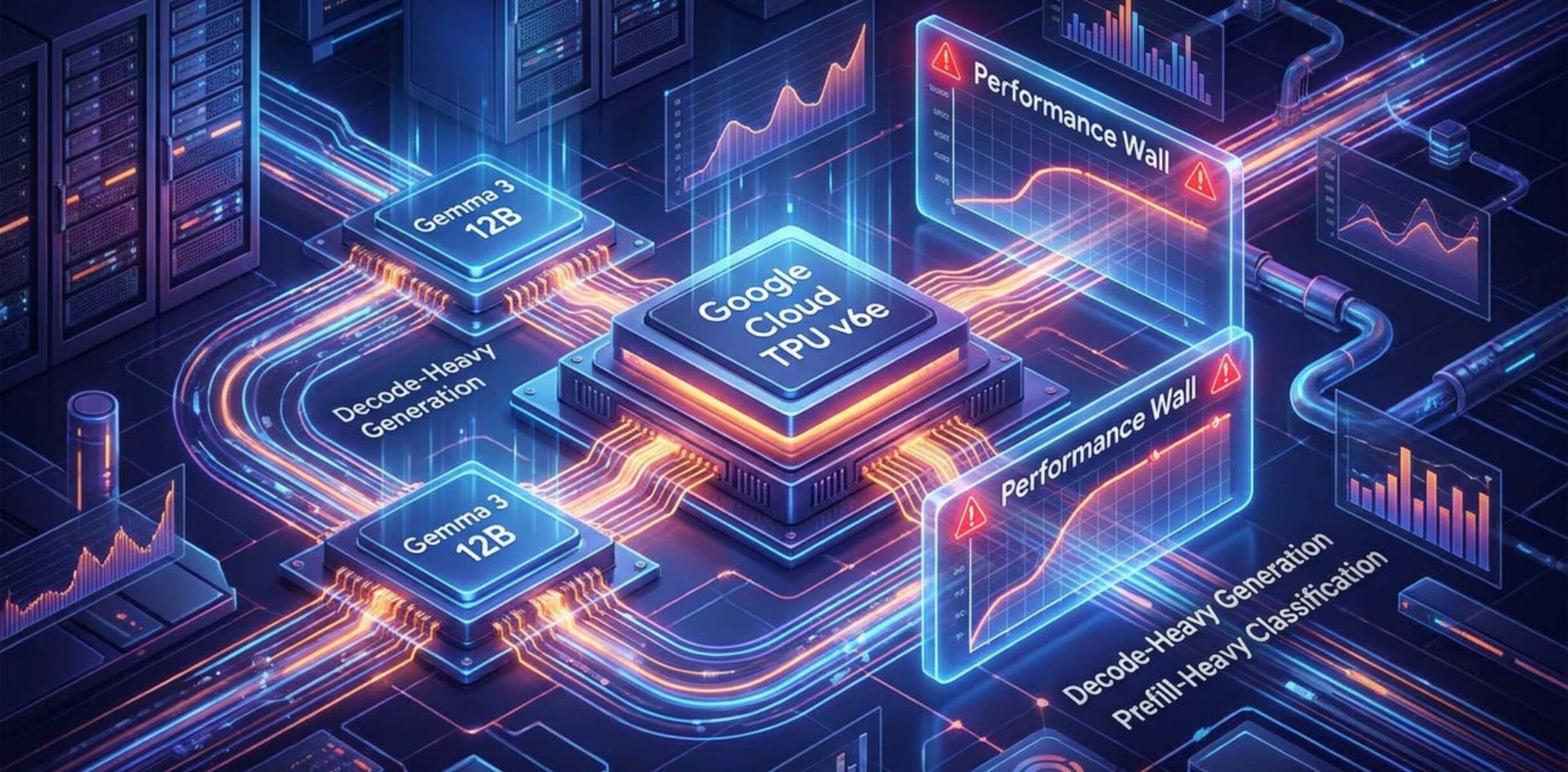
Google Cloud published a detailed performance analysis comparing how TPUs handle two distinct categories of LLM work: classification tasks, where the model assigns a label or score to an input, and generation tasks, where the model produces open-ended text token by token. The post argues that standard hardware benchmarks obscure this difference by aggregating results across mixed workloads, leaving engineering teams with misleading guidance. The analysis was posted on the Google Cloud Blog and targets teams already running or planning to run LLMs at scale on Google Cloud infrastructure, specifically those using TPUs rather than GPU-based instances.
Advertisement
Tech Pulse Daily
Get tomorrow's pulse first
Join engineers who read Tech Pulse before stand-up. Free, weekday mornings.
Why it matters
Classification and generation differ at the hardware level in ways that matter for throughput and cost. A classification request typically involves a fixed-length input, a single forward pass through the model, and a compact output — a label, a probability score, or a short structured response. The compute graph is bounded and predictable, which means the TPU can saturate its matrix multiply units efficiently and batch many requests together with minimal memory pressure. Generation tasks work differently. Each new token requires its own autoregressive forward pass, and the key-value cache grows with every step, placing sustained pressure on high-bandwidth memory throughout the request lifetime. The ratio of compute to memory access is fundamentally different between the two, so the hardware utilization profile, and therefore the effective throughput and cost per request, diverges significantly depending on which type of work dominates a given endpoint.
Deploying an LLM without accounting for workload type means you are likely either over-provisioning for classification workloads, paying for memory bandwidth you are not using, or under-provisioning for generation workloads and hitting latency ceilings under real traffic. Enterprise production traffic is rarely homogeneous. A single pipeline might route customer support queries to a generation endpoint and document tagging to a classification endpoint, and sizing both on the same benchmark number will produce inaccurate cost projections. The Google Cloud analysis gives teams a concrete framework for segmenting their inference load before they commit to a TPU configuration, which is particularly relevant as TPU pricing is tied to pod size and reservation commitments rather than hourly spot rates.
Who is affected
The teams most directly affected are those operating at a scale where infrastructure decisions have measurable cost consequences — think organizations running tens of thousands of inference requests per hour, where a misconfigured deployment translates into thousands of dollars of monthly waste. ML platform engineers responsible for choosing between TPU generations or between TPU and GPU-backed serving instances need this analysis to make defensible decisions. Product teams shipping latency-sensitive generation features, such as real-time writing assistants or chat interfaces, face the starkest tradeoffs because generation workloads are the ones most likely to hit throughput limits under concurrent load. Even teams still in pre-production should use this framework during load testing to profile their actual request mix before they lock into a serving configuration.
What to watch next
The practical next step for any team reading the Google Cloud analysis is to instrument their existing or planned workloads to measure the actual split between classification-style and generation-style requests before selecting a TPU configuration. Builders should verify how their serving framework batches requests across task types, since many default configurations treat all requests as equivalent and will miss the optimizations the analysis describes. Watch for follow-on posts from Google Cloud that may publish specific throughput numbers, cost-per-thousand-tokens figures, or recommended TPU pod configurations for each workload class — the summary reviewed here describes the framework without publishing all underlying benchmark data. As TPU availability expands and Google Cloud updates its accelerator lineup, the gap in unit economics between correctly and incorrectly matched hardware is likely to widen rather than narrow.
Developer Action Items
- ☐ Verify the claim on the official Google / Framework page (or Google Cloud Blog), not from this recap alone.
- ☐ Name the surface that moved — API, policy, model, hardware, or commercial terms — before you Slack the thread.
- ☐ Assign one owner a day to read the primary material and decide: this-sprint, this-quarter, or noise.
- ☐ Do not change production on day-one coverage. Watch the vendor changelog and one independent write-up first.

Author
Dillip Chowdary
Writes Tech Bytes coverage of AI, engineering, and the tools that actually ship. Editor of Tech Pulse Daily.
Related on Tech Bytes
Search agent beats GPT-6 Astra on benchmarks, just days after release
Read →
Apple launches new Mac Studios with its ‘most powerful chip ever’ — the M5 Ultra
Read →
Claude Fable 5.1 is generally available in GitHub Copilot
Read →
Apple upgrading recent Mac mini orders to M6, M5 Pro models for free
Read →
Today's Tech Pulse briefing
Full briefing →
Advertisement