Prospero: Bloat-free, native AI coding harness with ImGui
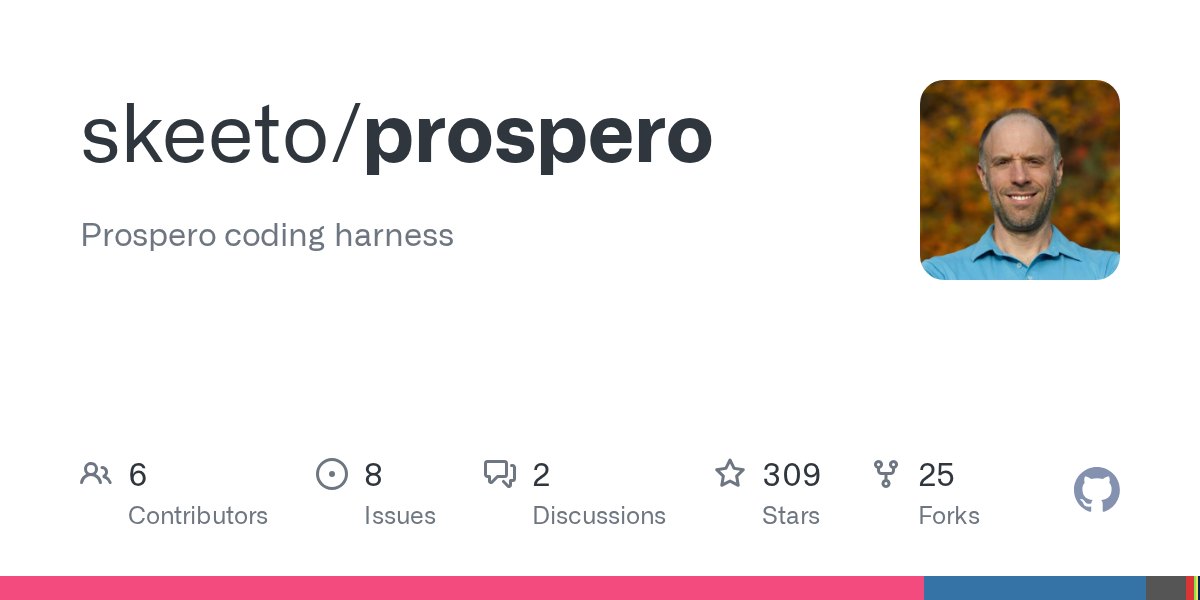
Christopher Wellons launched Prospero, a public domain C++ and ImGui coding harness that enables AI agents to drive desktops across modern and legacy platforms.
By Dillip Chowdary • Nov 29, 2026 • Source: github.com
At a glance
- Product
- Prospero
- Developer
- Christopher Wellons
- License
- Public domain via Unlicense
- Platforms
- Windows, macOS, Linux
- Price
- Free
- Providers included
- None out of the box
Developer Christopher Wellons released Prospero, an open-source native graphical coding harness built in C++ with Dear ImGui for Windows, macOS, and Linux, according to github.com's report. The application connects directly to local or remote artificial intelligence model providers to let autonomous agents drive the local desktop and write software unattended. It operates as a self-contained executable that requires no background daemon or external server, while maintaining low hardware overhead through passive interface rendering that halts resource usage whenever the application sits idle.
This report examines Prospero's architectural design, desktop automation capabilities, runtime options, provider protocols, and third-party dependencies. Software engineers, systems programmers, and tools developers exploring local inference harnesses or lightweight autonomous agent environments will find an exhaustive technical breakdown of its operational limits and integration workflows.
01Passive rendering and dockable interface
Prospero implements an adaptable multi-pane workspace using Dear ImGui, allowing developers to dock and rearrange working panels by dragging them across the screen. Users can store customized panel configurations directly inside the application through the View and Layouts menu. This layout persistence lets developers tailor dedicated multi-monitor arrangements for code review, terminal interactions, and visual agent monitoring without losing pane state across restarts.
Unlike standard Dear ImGui implementations that refresh continuously at maximum frame rates, Prospero employs passive rendering to eliminate unnecessary CPU and GPU cycles when idle. The graphics pipeline updates the display only when receiving input events or when background engine tasks push visual status changes. This rendering efficiency allows the single-executable environment to run alongside resource-heavy local language models without competing for workstation compute budgets.
02Desktop control and system integration
The application features integrated desktop control subsystems that allow autonomous agents to inspect the screen and manipulate native graphical user interfaces directly. By observing visual frames and dispatching inputs, the agent can interact with desktop windows to build, test, and debug native software projects without human intervention. The harness continuously handles intermittent compilation or execution errors, resuming stalled agent tasks without resetting the broader development session.
On Windows workstations, Prospero integrates directly with the w64devkit development bundle to leverage its integrated Unix-compatible shell and command-line utilities. The environment also supports operating systems and hardware configurations up to twenty-five years old, including legacy platforms like Windows XP. Because the engine self-contains its own embedded documentation under the Help menu, an active agent can read system manuals, self-configure parameters, and navigate interface panels on its own.
03Dual protocol local and remote inference
Advertisement
Tech Pulse Daily
Get tomorrow's pulse first
Join engineers who read Tech Pulse before stand-up. Free, weekday mornings.
The engine implements two primary communication interfaces for artificial intelligence models: the OpenAI Chat Completions API and the Anthropic Messages API. The OpenAI specification provides compatibility with local inference servers such as llama.cpp, vLLM, and LiteLLM, as well as external cloud endpoints. The Anthropic Messages API implementation provides direct integration with extended thinking modes and prompt caching to reduce token latencies during multi-step development runs.
Prospero does not bundle pre-configured providers out of the box, requiring users to declare target credentials and connection settings upon initial launch. The configuration ecosystem is managed through a local prospero.ini file, which organizes endpoint definitions, custom system instructions, role assignments, model parameters, skills, and Model Context Protocol servers.
| Provider Protocol | Target Runtimes and Endpoints | Key Capabilities Supported |
|---|---|---|
| OpenAI Chat Completions | llama.cpp, vLLM, LiteLLM, compatible proxies | Local inference, custom proxies, remote endpoints |
| Anthropic Messages | Direct Anthropic cloud APIs | Extended thinking, prompt caching |
04Command-line invocations and headless execution
Developers launch new autonomous workspace sessions directly from the terminal by passing a target filesystem directory as a positional argument. Entering the command with a dot path roots the newly created session inside the current working folder even when a Prospero graphical instance is already active. This invocation pattern serves as the second most common launch method following argument-free startup.
The single executable architecture supports versatile operational modes beyond local desktop windows, operating headless for remote server automation or over secure shell connections. Background sessions continue executing tasks after a user closes the primary graphical window, allowing long-running agent workloads to complete autonomously. The system also supplies automated test suites and model evaluation harnesses designed to compare reasoning performance across different LLM backends.
Note: Prospero ships with no pre-configured API providers, requiring manual setup of remote API keys or local inference endpoints before agents can execute tasks.
05Embedded libraries and public domain release
Prospero is released into the public domain under the unencumbered terms of the Unlicense, permitting unrestricted commercial and personal usage. The single executable incorporates third-party open-source components, including Dear ImGui under the MIT license, FreeType under the FreeType Project License, md4c under the MIT license, and SDL3 under the zlib license. Network transport and security rely on cpp-httplib under the MIT license, Mbed TLS under Apache-2.0, and Wuffs under an Apache-2.0 or MIT dual license.
In addition to external provider APIs, the engine includes a built-in neural network component located at src/gemma.cpp. This integrated implementation derives directly from the gemma4.c architecture and retains its original MIT license. The standalone codebase bundles these dependencies directly into the binary, delivering unified native functionality across platforms without external shared dynamic libraries.
Frequently asked questions
What APIs does Prospero support for AI connections?
Prospero supports the OpenAI Chat Completions API for runtimes like llama.cpp, vLLM, and LiteLLM, alongside the Anthropic Messages API with extended thinking and prompt caching.
How does Prospero avoid wasting workstation power when idle?
Prospero uses passive rendering rather than continuous frame refreshing, ensuring the ImGui interface draws only when input events or background updates occur.
Can Prospero run without a graphical desktop interface?
Yes, the single binary executable can run headless, execute over an SSH connection on a remote host, or continue processing in the background after the desktop window closes.
Sources

Author
Dillip Chowdary
Writes Tech Bytes coverage of AI, engineering, and the tools that actually ship. Editor of Tech Pulse Daily.
Related on Tech Bytes
Advertisement