PSA: YouTube app not working on your new Apple TV? Here’s the fix
New Apple TV 4K owners facing a YouTube availability error can restore streaming access by updating to tvOS 27.2, rebooting, and reinstalling the app.
By Dillip Chowdary • Nov 14, 2026 • Source: 9to5Mac
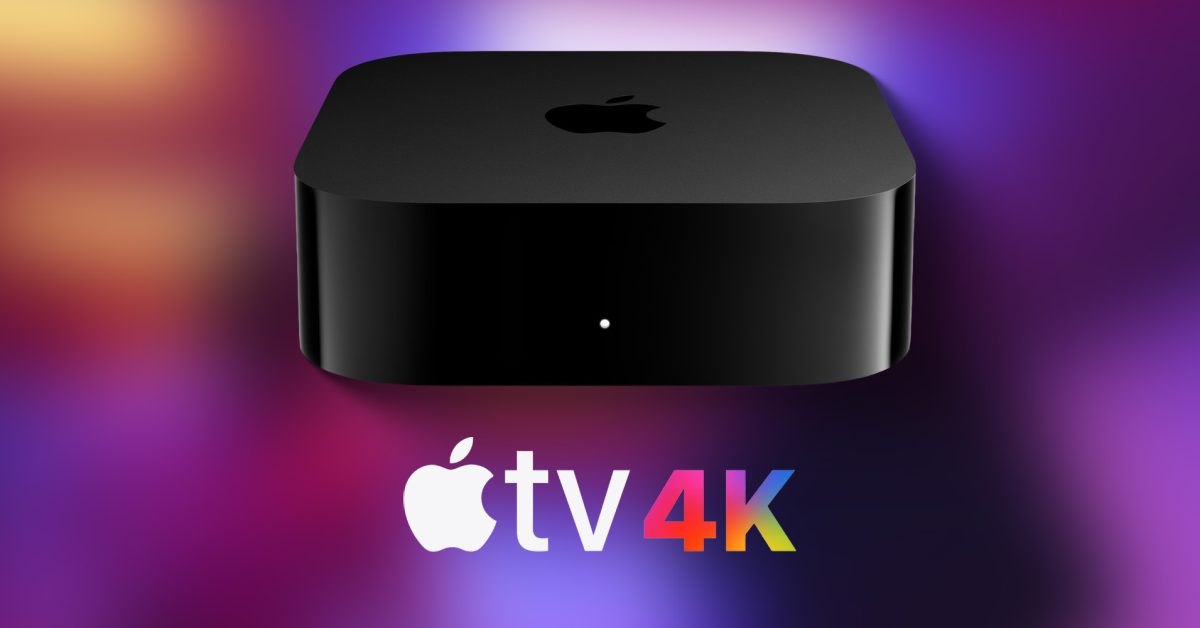
New Apple TV 4K owners unboxing their streaming hardware on November 13, 2026, encountered an immediate software roadblock when launching the YouTube application on fresh setups. Instead of loading video feeds or account dashboards, the app presented a blocking message stating that YouTube is not yet available on this device. Early buyers documented the issue across social media and Reddit threads, while 9to5Mac's report noted that the failure appeared widespread across recently delivered units.
This guide details the complete troubleshooting sequence verified by Tom Warren on X to restore video playback, alongside YouTube's concurrent server-side remediations. It is written for Apple TV 4K customers setting up their devices, home entertainment managers, and administrators resolving initial setup failures. Readers will find exact operating system prerequisites, three alternate reboot mechanisms, and application cycling procedures required to clear the startup error.
01Initial unboxing errors on new hardware
The software defect surfaced immediately following customer unboxings, interrupting standard account configuration on newly purchased Apple TV 4K streaming boxes. When users launched the preloaded or freshly downloaded YouTube application, the software halted before reaching the primary interface. The screen displayed an explicit restriction dialogue indicating that YouTube is not yet available on this device.
Widespread reports quickly accumulated across public discussion boards and online forums as multiple owners encountered identical obstacles simultaneously. Customers shared screenshots and setup logs on Reddit and social networks to verify whether the limitation stemmed from localized hardware defects or broad deployment bugs. The identical phrasing of the dialogue across separate hardware shipments pointed toward platform-level device validation snags.
The prompt caused immediate confusion among consumers who expected standard out-of-the-box streaming capabilities on Apple's premium television hardware. Because the failure prevented basic access to subscriptions and library content, early purchasers sought immediate clarification regarding device compatibility. The situation highlighted friction during the initial setup experience, prompting community figures to investigate actionable workarounds before official platform announcements arrived.
02Operating system updates to tvOS 27.2
Resolving the startup roadblock begins by verifying that the streaming box runs the latest system software release. Technical writer Tom Warren outlined on X that the hardware must be upgraded directly to tvOS 27.2 before attempting secondary fixes. Devices shipping from distribution centers frequently carry earlier factory firmware revisions that fail newer platform handshakes.
Users should navigate through the primary device preferences to trigger the integrated software update utility over an active network connection. Applying the tvOS 27.2 system image updates core media frameworks, security certificates, and platform runtime libraries that modern streaming applications require. Completing this installation ensures the underlying platform matches the current target environment expected by store client software.
Failing to install the pending operating system update frequently leaves peripheral errors intact even after cycling application installations. The firmware patch provides essential platform compatibility layers that allow recently distributed devices to register correctly with networked validation servers. Owners should ensure the system installation finishes completely and completes its automatic preliminary boot before initiating further adjustments.
Advertisement
Tech Pulse Daily
Get tomorrow's pulse first
Join engineers who read Tech Pulse before stand-up. Free, weekday mornings.
03Three distinct device restart methods
Following the installation of tvOS 27.2, owners must perform a complete device restart using one of three supported operational techniques. The most direct physical approach involves disconnecting the Apple TV power cord directly from the electrical wall outlet. Keeping the hardware unplugged briefly and restoring mains power forces the power supply and system controller into a clean cold boot.
A second approach relies entirely on the integrated on-screen interface without requiring physical contact with cables or wall receptacles. Users can open the Settings application from the home grid, select the System subcategory, and choose the Restart command. This software method cleanly closes running services, unloads platform drivers, and safely cycles the system architecture back into its initial launch sequence.
The third method employs a dedicated remote shortcut designed for rapid troubleshooting without traversing system settings menus. Users simply press and hold both the TV control button and the back button on the remote simultaneously for five seconds. Releasing the buttons after five seconds triggers an immediate force restart, causing the status indicator to blink while the device reboots.
04App Store uninstallation and reinstallation steps
Once the Apple TV completes its reboot cycle, the user must completely purge the existing YouTube application binary from local storage. Highlighting the application icon and executing the standard deletion command removes damaged configuration caches and stale token registrations. This step guarantees that previously cached error states do not persist within the application sandbox across restarts.
After confirming application removal, users must launch the native App Store catalog directly from the home screen to locate the product listing. Searching for the official YouTube distribution allows the system to pull a clean package release directly from Apple's content servers. Reinstalling from the central digital storefront ensures the device provisions fresh application bundles aligned with updated platform profiles.
Launching the newly reinstalled application prompts the client to request current access permissions and initiate pristine device authentication requests. In tested verification runs, following this complete sequence of firmware upgrade, reboot, and clean installation successfully bypassed the availability error dialogue. Users regained normal access to video libraries, channel subscriptions, and account settings without encountering further device restriction warnings.
05Backend server deployment from YouTube
Alongside client-side troubleshooting methods, YouTube engineers initiated a centralized server-side remediation rollout to resolve the issue automatically. This infrastructure adjustment updates the remote device identifier database used during initial connection handshakes. Once the server modifications propagate across global network endpoints, the system recognizes the newest hardware identifiers without requiring manual local interventions.
Because this backend deployment addresses device validation at the network tier, many customers will see the error resolve automatically over time. Users unboxing hardware after the rollout reaches their regional edge nodes may find that the streaming application functions normally upon first launch. This server-level provisioning eliminates the need for manual restarts or software reinstallations for incoming device activations.
Owners still encountering the availability error message can either wait for regional server propagation or execute the manual troubleshooting protocol immediately. The verified combination of tvOS 27.2, system restarting, and package reinstallation provides a reliable workaround while distributed infrastructure updates finish syncing. Monitoring official community channels ensures early adopters stay informed as streaming platforms adjust to newly released consumer hardware generations.
YouTube app not working on your new Apple TV? FAQ
Why does the YouTube app show an error on the new Apple TV 4K?
The YouTube app displays an error stating that it is not yet available on the device due to an initial platform compatibility and device validation bug.
What system update is required to resolve the Apple TV YouTube issue?
Users must update their Apple TV 4K to tvOS 27.2 before restarting and reinstalling the app.
How do you force restart an Apple TV with the remote?
Press and hold both the TV button and the back button on the remote simultaneously for five seconds.
Is a manual fix required if YouTube releases a server-side update?
A server-side fix rolling out from YouTube may resolve the issue automatically without requiring manual restarts or reinstallation.
Sources

Author
Dillip Chowdary
Writes Tech Bytes coverage of AI, engineering, and the tools that actually ship. Editor of Tech Pulse Daily.
Related on Tech Bytes
Advertisement