Samsung is testing a feature that changes the angle of photos you’ve
Samsung is testing Recompose in the One UI 9.5 beta, Photo Editor code that might change a photo's angle after the shot using a depth map and cloud fill.
By Dillip Chowdary • Nov 28, 2026 • Source: The Verge
At a glance
- Feature
- Recompose
- Software
- One UI 9.5 beta
- Reported
- Nov 28, 2026, 6:54 PM UTC
- Status
- Testing in beta code
- Editor
- Samsung Photo Editor
- Pipeline
- Spatial Core, then cloud AI
The source is a short beta-code report, so I’ll match the release template to those facts and leave out any table, command, or figure the article does not actually give.The beta report has no prices, benchmarks, or install commands, so the five sections will follow the story’s own order and use only those facts. I’ll count the draft against the 800–1,000 word range before sending it.Samsung is testing an AI feature called Recompose, code in the One UI 9.5 beta that might let you change the angle of a photo after you have taken it. The Verge's report, by weekend editor Terrence O'Brien and published at 6:54 PM UTC on Nov 28, 2026, says Android Authority found that code in Samsung's Photo Editor app. The feature builds on the existing Move tool and could reframe a still photo in 3D.
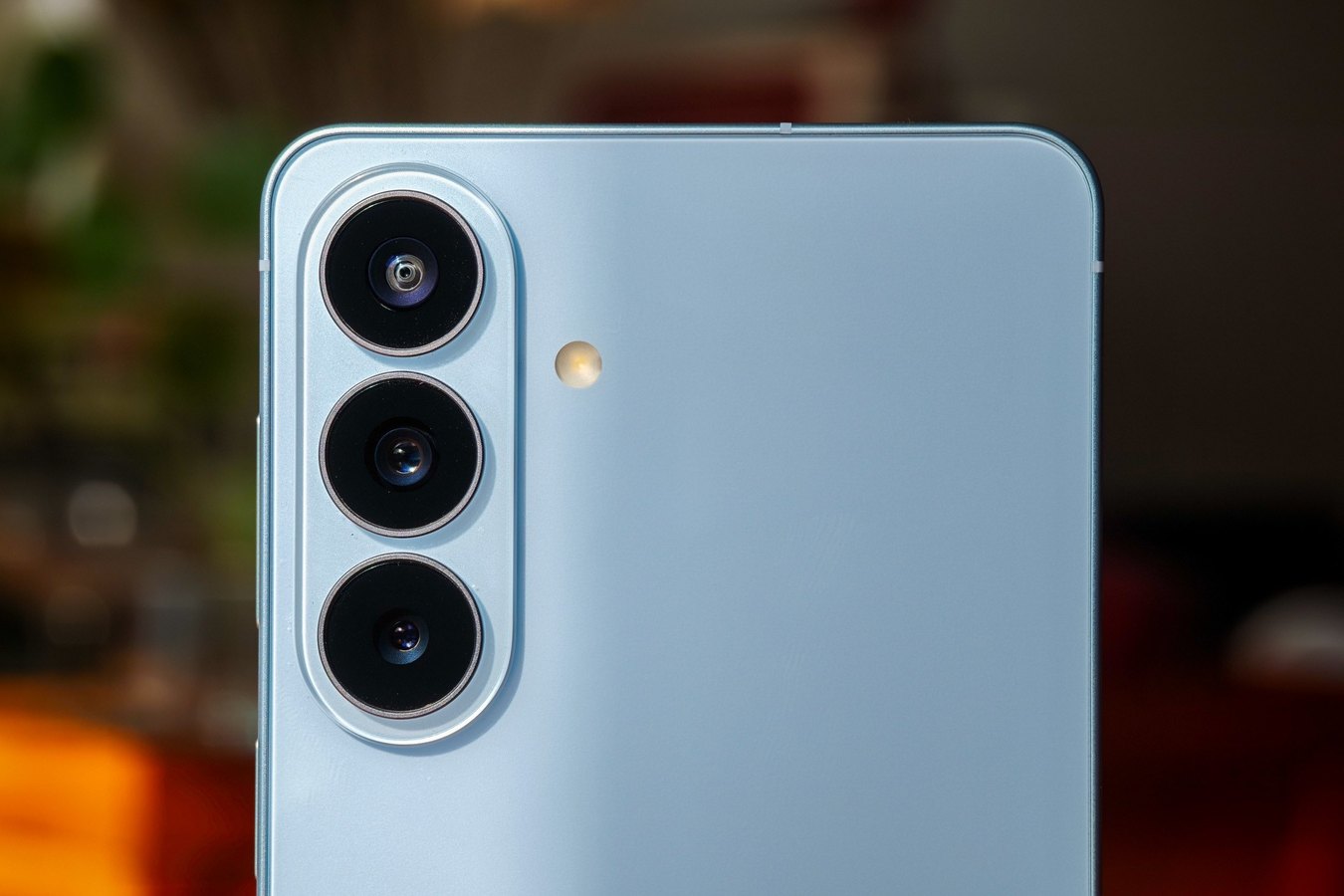
This piece covers the Move and Recompose toggle, the finger and slider strings, the Photo Assistant line on angle and perspective, and the path from a Spatial Core depth map to a cloud fill. It is for people who edit in Samsung's Photo Editor or Photo Assistant and want the beta behavior as Android Authority described it. The report's photograph is credited to Dominic Preston, and O'Brien has covered the tech industry for over 18 years.
01One UI 9.5 beta code
Android Authority found code in the beta for One UI 9.5 referring to a feature called Recompose. It might let you change the angle of a photo after you have taken it, and the code is part of Samsung's Photo Editor app. The beta text is about that existing photo, edited after the shot, inside the app Samsung already uses for photo edits.
Recompose builds on the existing Move tool, and users would be able to toggle between Move and Recompose. Move stays the tool already in Photo Editor, and Recompose is the other position on the same toggle. The strings for perspective, pan, zoom, rotate, and the background slider are associated with Recompose.
02Finger drag and background slider
In Samsung's Photo Editor on the One UI 9.5 beta, the Recompose side of the Move toggle is tied to a gesture string that separates perspective from pan, zoom, and rotate. "Drag with one finger to change the perspective. Use two fingers to pan, zoom, and rotate."
The slider is a separate control from the one-finger and two-finger gestures in that same Recompose copy. "Move this slider to make background objects appear closer or farther away." The string names background objects, and the only directions it gives are closer and farther away.
| Gesture | What the beta string assigns |
|---|---|
| One finger | Drag to change the perspective |
| Two fingers | Pan, zoom, and rotate |
| Slider | Make background objects appear closer or farther away |
- One-finger drag Drag with one finger to change the perspective.
- Two-finger gesture Use two fingers to pan, zoom, and rotate.
- Background slider Move this slider to make background objects appear closer or farther away.
Advertisement
Tech Pulse Daily
Get tomorrow's pulse first
Join engineers who read Tech Pulse before stand-up. Free, weekday mornings.
03Photo Assistant move and erase
The Photo Assistant's move and erase settings say you can "change the angle and perspective of your photos." Move and erase are the settings that carry the line, and the line names both angle and perspective. That wording matches the Recompose claim that the angle of a photo can change after you have taken it.
Photo Editor holds the toggle between Move and Recompose, while Photo Assistant holds the move and erase settings with the angle line. Both talk about photos you already have, which is the moment the One UI 9.5 strings describe. The assistant copy uses the same job as the longer Recompose strings: angle, perspective, and an edit applied to the picture.
04Spatial Core depth map
Android Authority says the feature works by using a separate Spatial Core app to turn the photo into a 3D rendering using a depth map. Spatial Core is its own app, and the depth map is what it uses to build that rendering from the photo. The output of this step is a 3D rendering of the photo, which is what the perspective change then edits.
Users can then change the perspective in 3D. That change is the edit the one-finger string describes, done after Spatial Core has built the rendering. The slider string in that same Recompose copy tells you to make background objects appear closer or farther away.
05Cloud fill for missing parts
Photo Editor sends the image to the cloud once the perspective has been changed in 3D. Generative AI would be used there to fill in the missing parts of the image. Photo Editor is the app that sends the image, after Spatial Core has turned the photo into a 3D rendering.
The description keeps one order from the depth map to that fill. Spatial Core makes the 3D rendering, the user changes perspective in 3D, and Photo Editor then sends the image for the generative fill. Terrence O'Brien's account of the finding ran at 6:54 PM UTC on Nov 28, 2026, and it describes code in the One UI 9.5 beta.
- Build the rendering A separate Spatial Core app turns the photo into a 3D rendering using a depth map.
- Change perspective Users change the perspective in 3D.
- Send the image Photo Editor sends the image to the cloud.
- Fill the gaps Generative AI fills in the missing parts of the image.
Note: Recompose is code in the One UI 9.5 beta that might let you change a photo's angle after you have taken it. Android Authority found it in Samsung's Photo Editor, with related copy in the Photo Assistant move and erase settings. The account names Spatial Core, a depth map, and a cloud generative fill, and it states no release date, price, or phone list.
Frequently asked questions
What is Samsung Recompose?
Recompose is an AI feature Android Authority found in the One UI 9.5 beta, inside Samsung's Photo Editor app. It might let you change the angle of a photo after you have taken it. It builds on the existing Move tool, and users would toggle between Move and Recompose.
How do the Recompose controls work?
The beta strings say to drag with one finger to change the perspective, and to use two fingers to pan, zoom, and rotate. A slider makes background objects appear closer or farther away. The Photo Assistant's move and erase settings also say you can change the angle and perspective of your photos.
What does Spatial Core do in Recompose?
Spatial Core is a separate app that turns the photo into a 3D rendering using a depth map. Users then change the perspective in 3D. Photo Editor sends the image to the cloud, where generative AI would fill in the missing parts.
Is Recompose available to every Samsung phone?
The report describes code in the One UI 9.5 beta. Terrence O'Brien's account was published at 6:54 PM UTC on Nov 28, 2026. It does not give a public release date, a price, or a list of supported phones.
Who found the Recompose code?
Android Authority found the code in the One UI 9.5 beta. The Verge published Terrence O'Brien's account on Nov 28, 2026, with a photograph credited to Dominic Preston. O'Brien is the weekend editor and has covered the tech industry for over 18 years.
Sources

Author
Dillip Chowdary
Writes Tech Bytes coverage of AI, engineering, and the tools that actually ship. Editor of Tech Pulse Daily.
Related on Tech Bytes
Advertisement