The MacBook Pro's OLED PWM Problem: When a 'Better' Display Becomes Worse
Apple's new tandem OLED MacBook Pro screen exhibits 240Hz pulse width modulation, triggering severe eye strain, dizziness, and returns among sensitive buyers.
By Dillip Chowdary • Nov 15, 2026 • Source: macanorak.com

Apple introduced tandem OLED technology to the MacBook Pro under the branding PROLED XDR Display, selling it alongside the Mini-LED configurations available since 2021. The panel delivers individually lit pixels, infinite contrast, deeper black levels, increased peak HDR brightness, a precision display engine, and notebook touch input. However, as detailed in macanorak.com's report, multiple buyers are reporting severe eye fatigue, nausea, and persistent headaches caused by the screen's low-frequency brightness modulation.
This technical breakdown examines laboratory frequency measurements, the combination of direct current dimming with pulse width modulation, and verified owner feedback across Mac community forums. It is written for creative professionals, software engineers, and prospective notebook buyers considering an upgrade from older Apple silicon laptops to evaluate potential display comfort issues before ordering.
01Tandem OLED panels and PROLED displays
Apple engineered the PROLED XDR Display as the flagship display upgrade for its professional laptop lineup. The hardware uses tandem OLED architecture to boost peak HDR luminance and achieve infinite contrast without the blooming artifacts associated with local dimming zones. A dedicated display engine governs color balance, luminance curves, and pixel degradation across the surface.
The hardware revision represents the first time Apple has added direct touch-input capabilities to any Mac notebook screen. Apple continues to market and sell the Mini-LED option first introduced in 2021 alongside this new tandem panel. While initial critical reaction focused heavily on image depth and contrast, technical tradeoffs in panel illumination soon surfaced among early buyers.
Creative professionals upgrading from previous generation machines expected the OLED panel to surpass earlier models in every visual category. The premium price tag positions the notebook directly at demanding video editors, software developers, and photographers who spend full working days viewing the screen. For those users, continuous visual comfort is an essential baseline rather than an optional luxury.
02Lab measurements of 240Hz screen modulation
The display relies on pulse width modulation to manage perceived luminance by rapidly toggling light emission on and off. Independent laboratory testing conducted by Notebookcheck on the 14-inch MacBook Pro revealed a base modulation rate of 240Hz. The testing team observed active flickering across brightness settings from 99 percent down to minimum levels.
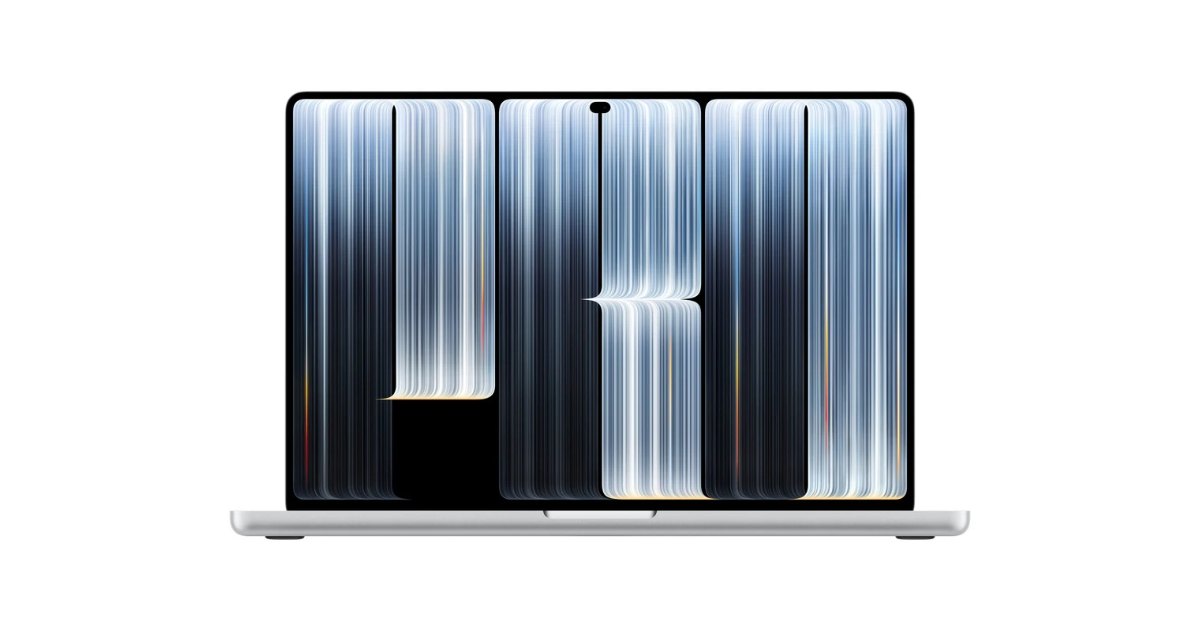
In contrast, testing on the M4 Pro MacBook Pro equipped with a Mini-LED display recorded a modulation frequency of 14,880Hz. That means the previous Mini-LED backlight pulses almost 15,000 times per second, which is approximately 62 times faster than the tandem OLED configuration. The significantly lower frequency of the PROLED panel makes fluctuations far more noticeable to the human visual system.
Frequency alone does not tell the whole story, because the amplitude of each illumination cycle also dictates optical strain. Displays with steep modulation depth drop luminance sharply during each cycle, creating harsh rapid transitions even when users cannot consciously see individual flashes. The combination of deep cyclical dips and a 240Hz cycle creates distinct physiological strain for sensitive viewers.
Advertisement
Tech Pulse Daily
Get tomorrow's pulse first
Join engineers who read Tech Pulse before stand-up. Free, weekday mornings.
03Direct current dimming and panel brightness
Unlike conventional LCD screens that utilize separate backlight units, OLED panels generate light directly at each individual pixel. Manufacturers often mitigate flicker by using direct current dimming, which lowers screen brightness by reducing electrical current rather than repeatedly interrupting power. However, implementing direct current dimming does not guarantee the total elimination of pulse width modulation artifacts.
Notebookcheck observed that the 14-inch MacBook Pro uses a hybrid dimming implementation combining direct current dimming with underlying pulse width modulation. Even though current regulation operates across various luminance steps, the persistent 240Hz cycling remains active below full brightness. This hybrid design fails to shield susceptible users from the rapid periodic pulses generated by the screen.
Other consumer devices manage OLED illumination through substantially higher modulation rates or more aggressive direct current thresholds. Apple previously deployed tandem OLED technology on the M4 iPad Pro, which demonstrated similar modulation characteristics during high-speed video capture tests. Balancing panel lifespan, uniform color accuracy at low luminance, and visual ergonomics remains a difficult hardware optimization problem.
04Sensitivity spectrum across different OLED panels
Visual sensitivity to display flicker varies significantly across the population rather than following a simple binary tolerance pattern. An individual can comfortably use an OLED iPhone Pro for years yet suffer acute physical symptoms when switching to a different OLED panel. Variations in modulation waveforms, refresh timing, and cyclical amplitude mean each display model produces distinct physiological reactions.
Discussions on MacRumors forums centered on a thread titled RIP MacBook Pro PROLED for PWM Sensitive Eyes - apple cmon! where users documented comparable discomfort. AppleInsider journalist Mike Wuerthele reported on 10 November that numerous purchasers experienced dizziness shortly after working on the laptop. Affected customers described headaches, profound eye fatigue, nausea, and difficulty focusing during normal computing tasks.
Reports across Reddit and specialized communities emphasize that many affected buyers never had issues with previous OLED monitors or laptops. Discomfort does not stem from a generic dislike of OLED technology, but rather from the specific engineering implementation chosen for this notebook panel. Because visual fatigue can stem from multiple ergonomic factors, diagnosing specific sensitivity requires careful attention to display behavior.
05Device returns among longtime Mac buyers
The physical symptoms have driven several early adopters to return their laptops within the standard retail return window. One verified customer on the PWM_Sensitive forum shared that using the 16-inch PROLED model triggered persistent lightheadedness and floating sensations within hours. The customer felt dizzy for two hours after stepping away and decided to return the unit after less than a week.
That customer noted it was their first returned Apple product in twenty years of purchases, having upgraded from an M1 Pro 16-inch machine. Rather than keeping the laptop, the user opted to wait for a future M7 generation in hopes that Apple adjusts display modulation. Other professionals who depend on their laptops for daily livelihood have expressed similar reluctance to endure ongoing visual discomfort.
Apple has historically emphasized product accessibility and premium hardware ergonomics as key brand strengths for creative professionals. While many buyers report complete satisfaction with the PROLED XDR Display, the 240Hz modulation creates a tangible barrier for a vocal subset. For users suffering from flicker-induced strain, returning to Mini-LED configurations remains the only viable alternative.
MacBook Pro's OLED PWM Problem FAQ
What is the measured PWM frequency of the PROLED XDR Display?
Laboratory testing by Notebookcheck measured the 14-inch MacBook Pro display flickering at 240Hz at brightness levels of 99 percent and below. This is roughly 62 times lower than the 14,880Hz frequency measured on the Mini-LED MacBook Pro.
Does the new MacBook Pro display feature direct current dimming?
Yes, testing indicates the panel uses a hybrid approach with direct current dimming alongside pulse width modulation. However, 240Hz modulation remains present across brightness settings, so flicker is not entirely eliminated.
Why are users experiencing eye strain and dizziness?
Rapid cyclical modulation of pixel illumination causes visual fatigue, headaches, and nausea in sensitive individuals even when the flicker is not consciously seen. Because the 240Hz rate is relatively low compared to previous Mini-LED displays, symptoms can emerge after short viewing sessions.
Can someone sensitive to this MacBook Pro comfortably use an OLED iPhone?
Yes, display sensitivity is not a binary condition and varies based on frequency, amplitude, and dimming curves. Users have reported comfortably operating OLED iPhone Pro models for years while experiencing immediate dizziness on the new MacBook Pro screen.
Sources

Author
Dillip Chowdary
Writes Tech Bytes coverage of AI, engineering, and the tools that actually ship. Editor of Tech Pulse Daily.
Related on Tech Bytes
Advertisement