"This message has been on the screen for almost two hours now."
Windows now intercepts physical power button holds to plead for extra shutdown time, occasionally stranding laptops on a frozen warning screen for hours.
By Dillip Chowdary • Nov 29, 2026 • Source: unsung.aresluna.org
At a glance
- Product
- Microsoft Laptop and Windows OS
- Original switches
- IBM 1970s mainframe red buttons
- Failsafe timer
- 4 seconds originally, about 10 seconds modern
- Reported freeze
- 0% complete for almost two hours
- Published date
- Nov 27, 2026
- Availability note
- Developer machines and select hardware
Microsoft has introduced an operating system prompt that intercepts long power button presses on Windows hardware, urging users to release the switch during forced shutdowns. According to unsung.aresluna.org's report, machines running modern Windows builds now display an on-screen dialog asking users to release the key so background tasks can finish. The message alters decades of conventional hardware behavior by placing software warnings directly in the middle of emergency reboot sequences.
This breakdown examines the evolution of hardware power toggles into software-managed shutdown routines, tracking how early mainframe buttons transitioned into motherboard timers and operating system dialogues. It is intended for systems engineers, hardware enthusiasts, and Windows administrators who manage enterprise laptops or troubleshoot hung reboots. Readers will learn how modern firmware delays work, why Windows pleads for extra shutdown time, and how to resolve frozen reboot screens.
01Mainframe toggles and physical power switches
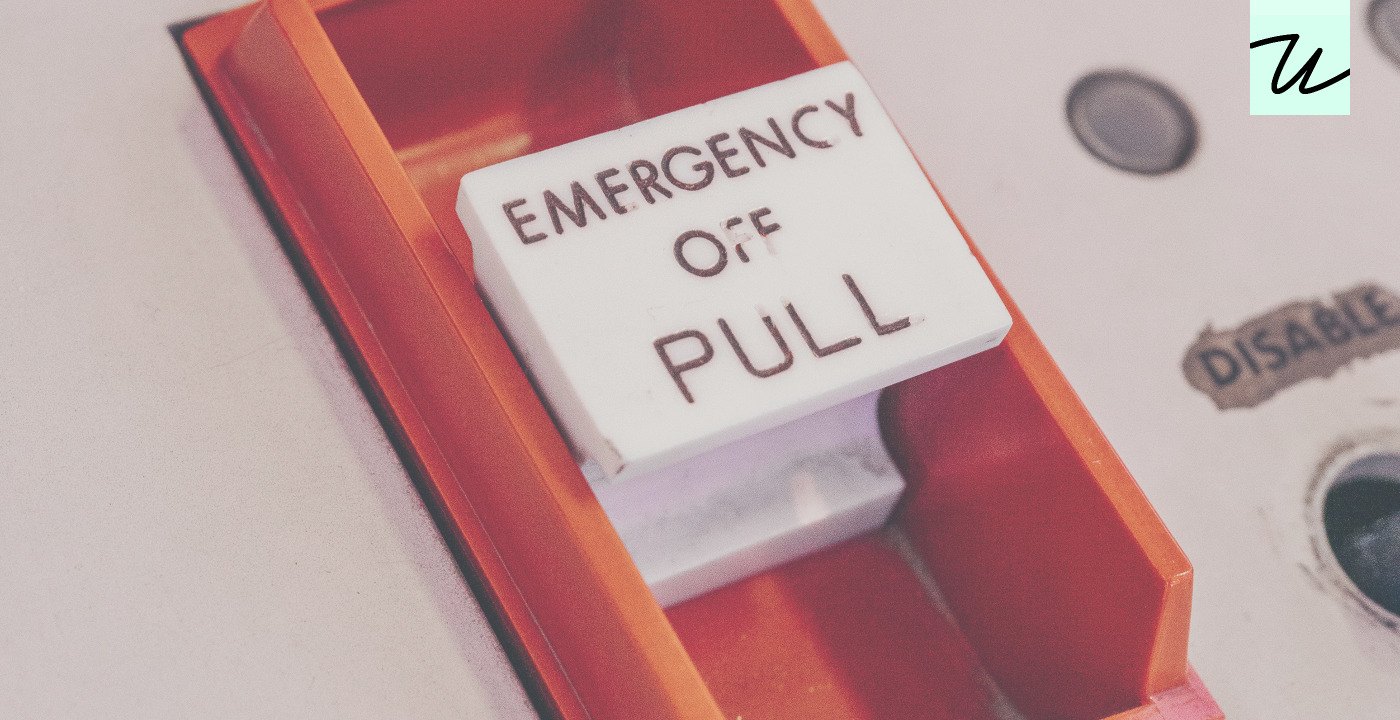
During the 1970s, mainframe computers manufactured by IBM featured prominent red power buttons that governed massive electronic systems. These switches reflected an era when computer installations resembled industrial plants, housing mercury tanks, punch card feeders running at high speeds, and dangerous high voltages. The heavy physical buttons gave human operators immediate physical dominion over machinery that could otherwise draw hazardous amounts of electrical current.
As computing hardware grew smaller and entered residential and commercial office spaces, manufacturers retained external power toggles primarily for brand recognition rather than industrial isolation. Despite becoming familiar desktop fixtures, traditional mechanical switches suffered from an inherent operational limitation by severing electrical current instantaneously. This abrupt interruption gave connected storage drives no opportunity to write cached data, park sensitive read heads, or execute necessary filesystem cleanups.
02Signal routing and motherboard failsafe timers
To prevent storage damage and filesystem corruption, system architects transitioned desktop computers toward power-by-wire architectures over subsequent hardware generations. Much like contemporary keyboard keys that dispatch electronic scan codes instead of striking mechanical typebars, modern power buttons transmit low-voltage electrical signals to the central processor. System software intercepts these signals, performs essential disk flushing and housekeeping chores, and commands the power supply unit to enter a minimal standby state.
Because operating system software could freeze, crash, or ignore input during severe system errors, motherboard engineers introduced a resilient hardware failsafe mechanism. Pressing and holding the external power button for four seconds bypassed malfunctioning software layers, signaling low-level motherboard firmware to disconnect power directly. Motherboard microcode could not be overridden by blue screen crashes, though modern platforms subsequently expanded that standard four-second override threshold to roughly ten seconds.
03Software interception and shutdown delay messages
Advertisement
Tech Pulse Daily
Get tomorrow's pulse first
Join engineers who read Tech Pulse before stand-up. Free, weekday mornings.
Windows installations now feature a notification routine that detects when a user initiates a sustained press on the physical power button. The operating system calculates that motherboard firmware will sever power unconditionally once the ten-second countdown expires.
When Windows detects that critical background jobs cannot finish before that deadline, it renders an on-screen prompt: 'Please release the power button. We just need a few more seconds to shut down.'
Note: System reports note that this shutdown warning may be limited to developer machines or specialized hardware configurations designed to capture diagnostic traces. The mechanism attempts to preserve crash dumps and complete clean file flushes before motherboard firmware severs electrical current unconditionally.
By pleading directly with the operator through text dialogs, the operating system attempts to negotiate additional processing time before hardware overrides engage. Observers have described the dialogue as an unusual user interface design choice that inverts the traditional master-slave hierarchy between operators and personal computers. Rather than executing an unconditional emergency stop, the device asks the operator to halt their physical override attempt.
04Laptop freeze and two-hour shutdown loops
The software shutdown interception introduces a distinct failure mode when system processes hang during emergency hard reboot attempts. One documented user scenario on a Microsoft Laptop began when the integrated keyboard stopped functioning during normal operation. Attempting a standard forced reboot by depressing the chassis power toggle failed to power down the system, triggering an unexpected on-screen prompt instead.
The laptop screen displayed a progress warning stating, 'Please release the power button. We need a few more seconds to shut down. 0% complete.' Instead of resolving the unresponsive keyboard or powering off, the operating system became completely deadlocked. The progress indicator remained frozen at zero percent, leaving the machine trapped on the warning screen for almost two hours.
05Forced power-off advice and interface complexity
When confronted with a frozen shutdown dialogue, technicians advise users to ignore the computer's polite plea and continue holding down the power switch. Sustained pressure forces motherboard-level countdown circuits to trigger an unconditional hardware power cut regardless of operating system state. Releasing the button merely traps the platform inside corrupted software loops, extending system downtime instead of completing an emergency power cycle.
Users documenting these stalled reboot states have shared off-screen smartphone photos across the internet, capturing an eerie visual aesthetic impossible to capture via traditional desktop screenshots. The resulting images underscore the unintended consequences of layering complex software routines on top of fundamental hardware operations. When basic power toggles require polite prompts to prevent data corruption, hardware architecture may require fundamental simplification.
Frequently asked questions
Why does Windows ask users to release the power button?
Windows detects sustained power button presses and requests extra time to complete background tasks and disk writes before motherboard firmware forces an unconditional shutdown.
How long must a user hold the power button to force a shutdown?
Early motherboards required holding the power button for four seconds to bypass software, though modern systems have extended that delay to approximately ten seconds.
What should a user do if the shutdown message freezes on screen?
Users should ignore the on-screen warning and continue holding the power button until motherboard-level circuits cut power directly.
What caused the Microsoft Laptop shutdown message to appear?
A user attempted a hard reboot due to an unresponsive keyboard and received a prompt stating the system needed a few more seconds to shut down at zero percent completion.
Sources

Author
Dillip Chowdary
Writes Tech Bytes coverage of AI, engineering, and the tools that actually ship. Editor of Tech Pulse Daily.
Related on Tech Bytes
Advertisement