Media AI / Color Revive
Colorize old photos in seconds
Upload a faded or B&W memory. Get a natural, full-color restore you can share.
Grandma’s wedding portrait, restored1950s street photo, natural skin tonesFaded vacation print, vibrant again
Upload old photo
B&W, sepia, or faded color — JPEG/PNG/WebP
Drop photo here
or click to browse · JPEG / PNG / WebP
Style
Result
Drag the slider to compare before and after.
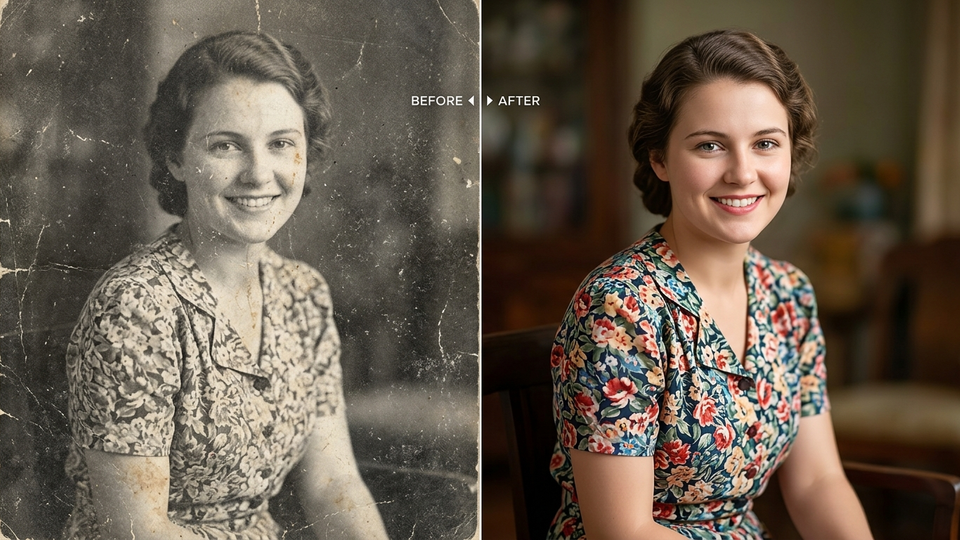 Waiting for your first create…
Recent
About Color Revive
Color Revive is an AI photo colorizer for real family archives — wedding portraits, street photos, vacation prints, and scans that have gone sepia or grey. It aims for historically plausible color and keeps faces, clothing structure, and grain instead of applying a plastic filter.
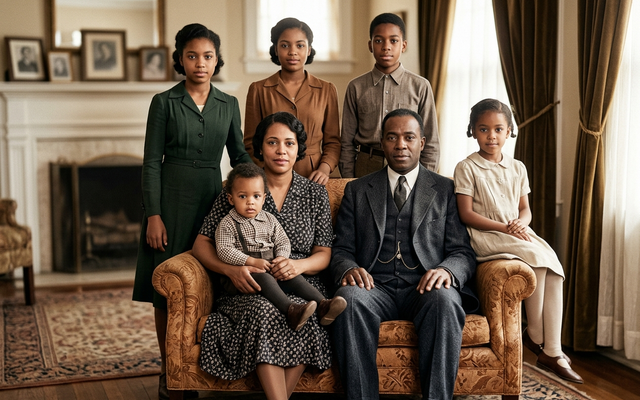
How Color Revive works
- Upload a B&W, sepia, or faded color scan.
- Choose Natural, Warm film, Vivid, or Archive clean.
- Download the colorized photo and share it.
FAQ
Can I colorize a black and white photo for free?
Yes. Sign in to Media AI, open Color Revive, and use one of your 3 free credits.
Will the people in the photo still look like themselves?
The prompt is written to preserve identity, clothing structure, and composition.
What file types can I upload?
JPEG, PNG, and WebP. Phone photos are compressed automatically before upload.