Media AI / Memory Restore
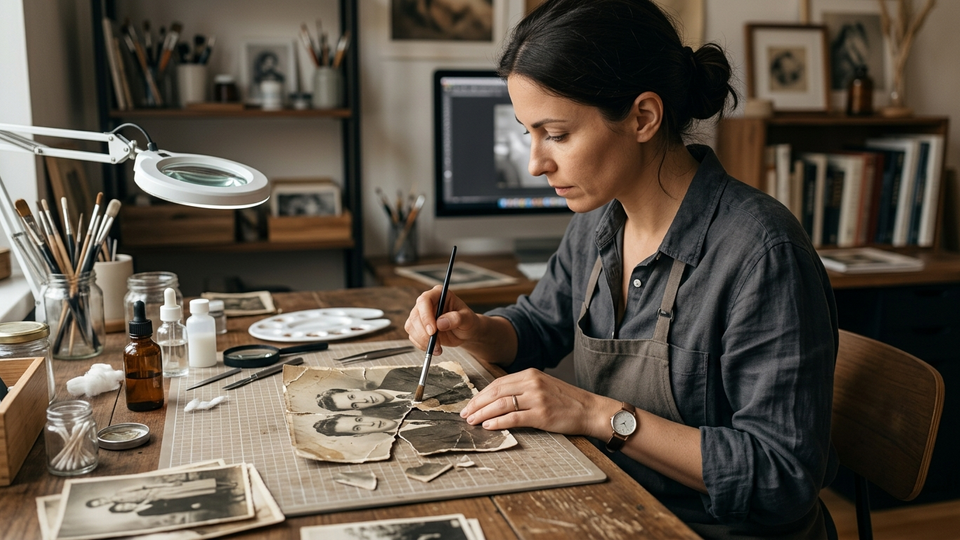
Repair damaged family photos
Heal tears and dust while keeping the original soul of the photo.
Torn corner fixScratch removalStain cleanup
Upload damaged photo
Scans of torn, scratched, or stained prints
Drop photo here
or click to browse · JPEG / PNG / WebP
Style
Result
Drag the slider to compare before and after.
 Waiting for your first create…
Recent
About Memory Restore
Memory Restore is the repair shop next to Color Revive: dust, creases, tears, and stains first. You can keep the original mono or colorize after the heal.
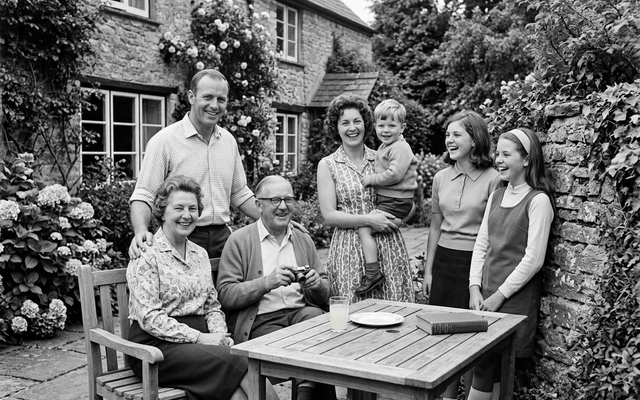
How Memory Restore works
- Scan or photograph the damaged print.
- Choose heal, heal + color, or a gentle enhance.
- Download the repaired file.
FAQ
Will it invent missing people?
The heal styles ask to preserve faces and identity, not invent new subjects.
Should I colorize at the same time?
Use Heal (keep B&W) for archival honesty, or Heal + colorize when you want both.