iOS 27.2 adds three new ways to customize your iPhone
Apple released iOS 27.2 with an Excluded Apps privacy list for Siri, five customizable suggestion types in Messages, and multi-user Apple TV profiles.
By Dillip Chowdary • Nov 07, 2026 • Source: 9to5Mac
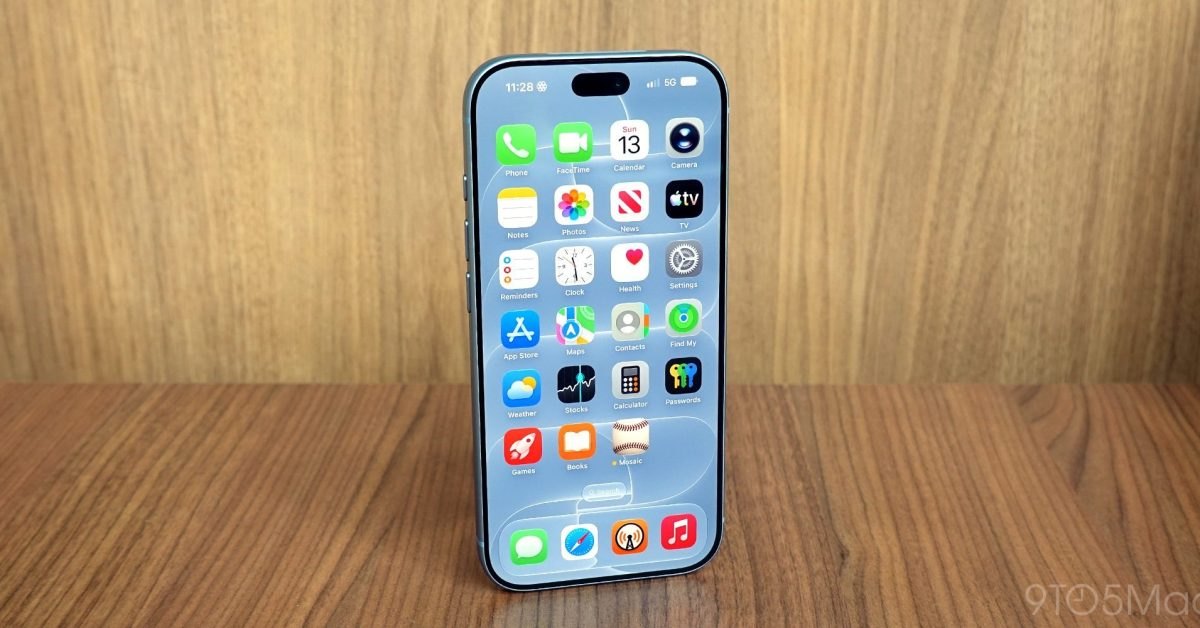
Apple released iOS 27.2 with targeted personalization controls across system intelligence, communication, and streaming services, according to 9to5Mac's report. The update focuses on granular user configuration by introducing three primary customization tools: an exclusion directory for system-wide intelligence lookups, toggleable action prompts inside conversation threads, and cross-platform profile management for shared media viewing. Rather than bundling these settings under a single interface, the operating system distributes controls into specific settings menus to limit background index scanning and refine contextual interface prompts.
This technical breakdown examines the operational changes delivered in iOS 27.2 for iPhone users, system administrators, and application developers monitoring platform integration behaviors. Readers who manage device privacy configurations, build applications interacting with system suggestions, or manage family media libraries will find detailed instructions for configuring each parameter. The analysis below covers the exact configuration paths, structural shifts across system services, compatibility baselines, and implementation constraints documented in the platform release.
What IOS 27.2 shipped
The primary feature delivered in iOS 27.2 is an Excluded Apps catalog situated within the Siri configuration panel. Designed to operate alongside Siri AI enhancements, this setting enables owners to prevent specific installed applications from exposing metadata or content to system search indexing, voice queries, and proactive system suggestions. Apple documents that any application placed into this roster is immediately cut off from Siri retrieval, global Search querying, and contextual suggestions, preventing unintended command targeting when two installed packages share identical or phonetically similar titles.
In addition to index controls, the release introduces contextual Suggestions within the native Messages client alongside cross-device Apple TV profiles on iPhone. Messages detects actionable text patterns inside active chat threads and renders one of five default suggestion types directly beneath individual message bubbles: Add to Calendar, Add to Reminders, Add to Notes, Show in Maps, and Flights and Packages. Simultaneously, the Apple TV application expands its user profile architecture from tvOS to mobile hardware, allowing separate viewers on the same iPhone to segregate personalized recommendations, isolate individual Continue Watching queues, and enforce parental content restrictions per profile.
What changed for builders in IOS 27.2
For application developers and platform engineers, iOS 27.2 adjusts the predictability of system-level intent handoffs and indexing surfaces. When end users assign a third-party application to the Excluded Apps registry, the operating system drops that bundle identifier from Siri AI processing pipelines, eliminating background indexing hooks and proactive Siri suggestions for that application. In messaging contexts, standard conversational interactions now trigger proactive quick-action elements based on five system categories, altering the tap-target workflow when users exchange dates, locations, tasks, or tracking numbers.
| Metric or Parameter | iOS 27 Initial Baseline | iOS 27.2 Release |
|---|---|---|
| Siri & Search Indexing Controls | Global indexing active across all detected app bundles | Dedicated Excluded Apps list in Settings to isolate specific bundles |
| Messages Contextual Action Categories | Unconfigurable system prompts | Five customizable categories under Suggested Actions |
| Apple TV Profile Support on Mobile | Single account view only (profiles restricted to tvOS) | Multi-user profiles with isolated queues and content restrictions |
| AirPods Pro 3 Promotional Retail Price | $249 list price | $199 promotional price point ($50 reduction) |
The introduction of mobile Apple TV profiles aligns iPhone media sessions with long-standing multi-user configurations previously limited to living room hardware. Application developers integrating content feeds or deep links into the Apple TV app must account for per-profile Continue Watching queues and targeted age restrictions. These profile states ensure that media playback events, watch histories, and restricted ratings remain isolated across multiple family members sharing the same handset.
Advertisement
Tech Pulse Daily
Get tomorrow's pulse first
Join engineers who read Tech Pulse before stand-up. Free, weekday mornings.
How to install or upgrade IOS 27.2
Users can deploy the operating system update directly over the air using the standard software distribution channel on compatible iPhone hardware. To initiate the upgrade, open Settings, select General, choose Software Update, and allow the system to verify the build signature. Once verified, tap Download and Install, verify that the device maintains sufficient battery reserves or remains connected to an external power adapter, and permit the phone to restart while the installer packages apply.
# Example software update workflow for testing environments
softwareupdate --fetch-full-installer
softwareupdate --install --all --restart# Developer environment switch example
sysdiagnose -uOnce the device completes installation and reboots, adjust the new preferences through their respective settings paths. Configure indexing boundaries by navigating to Settings, selecting Siri, and tapping Excluded Apps to populate the restriction list. To modify message prompt categories, browse to Settings, tap Apps, choose Messages, select Suggested Actions, and toggle off unwanted prompts among Calendar, Reminders, Notes, Maps, or Flights and Packages. To activate viewer profiles, launch the Apple TV application and select the profile icon to establish separate viewing libraries, Continue Watching queues, and child safety restrictions.
Gotchas and compatibility in IOS 27.2
The primary operational constraint in iOS 27.2 involves the strict, total exclusion applied to applications added to the new Siri list. Moving an application into the Excluded Apps directory does not merely suppress proactive voice prompts; it simultaneously eliminates the app bundle from appearing in standard Spotlight Search and system suggestion bars. Users attempting to resolve naming conflicts between similarly titled tools must account for the fact that search discovery is entirely disabled for whichever application is placed on the exclusion list.
A secondary consideration relates to the scope of Messages Suggestions and Apple TV configuration persistence. The Messages feature operates strictly within five supported categories: Add to Calendar, Add to Reminders, Add to Notes, Show in Maps, and Flights and Packages. Custom application actions outside these five categories cannot be toggled independently within the Suggested Actions menu. Furthermore, while Apple TV profiles mirror content restrictions and Continue Watching queues across platforms, profile switching must be manually executed within the iOS Apple TV app to prevent cross-contaminating recommendation algorithms between household users.
What to watch after IOS 27.2
Following the rollout of iOS 27.2, track how system intelligence features continue to balance automatic content parsing against user privacy controls. The introduction of the Excluded Apps screen demonstrates that expanded Siri AI capabilities require hard user boundaries to prevent conversational agents from surfacing sensitive data or confusing similarly named services. Future point updates will clarify whether Apple expands application exclusion controls to individual data types within an app or maintains bundle-level isolation.
Monitoring the adoption of Suggested Actions in Messages will also reveal whether the platform intends to expand detection parameters beyond the five foundational categories established in this build. If user feedback remains positive toward automated Calendar, Reminders, Notes, Maps, and Flights tracking prompts, future iterations could permit third-party applications to register custom suggestion hooks directly into the messaging interface. For home entertainment environments, observing profile synchronization between iPhone and tvOS endpoints will help determine whether mobile profile switching becomes the standard template for additional ecosystem services.
Developer Action Items
- ☐ Diff the official changelog for Apple / iOS 27.2 before you bump — APIs, defaults, and removed flags only.
- ☐ Install through the vendor's documented channel in staging; keep a one-command rollback and time-box the canary.
- ☐ Grep your repo for old flag names, lockfile pins, and plugin versions that the notes mark as breaking.
- ☐ Prefer the first patch cut over the day-zero tag unless you have a reason to be on the leading edge.
- ☐ If 9to5Mac did not name a region, plan, or SKU, screenshot the official availability line before you promise it to users.
IOS 27.2 FAQ
What new customization features are included in iOS 27.2?
The update adds an Excluded Apps menu in Siri settings, customizable Suggested Actions in Messages across five categories, and multi-user profile support within the Apple TV application on iPhone.
How do you exclude an app from Siri and Search on iOS 27.2?
Open the Settings app, tap Siri, select the Excluded Apps section, and add the applications you wish to remove from Siri queries, system Search indexing, and proactive suggestions.
Which suggestions can be turned off in Messages?
You can disable any of the five default categories: Add to Calendar, Add to Reminders, Add to Notes, Show in Maps, and Flights and Packages by visiting Settings, Apps, Messages, and then Suggested Actions.
What capabilities do Apple TV profiles provide on iPhone?
Profiles on iPhone deliver personalized recommendations, separate the Continue Watching queue for each viewer, and allow parents to apply content restrictions for child profiles.
Sources

Author
Dillip Chowdary
Writes Tech Bytes coverage of AI, engineering, and the tools that actually ship. Editor of Tech Pulse Daily.
Related on Tech Bytes
Advertisement