UsageBar – Claude Code and Codex rate limits in the macOS menu bar
. UsageBar – Claude Code and Codex rate limits in the macOS menu bar Why it matters for engineering teams What shipped and who is affected.
By Dillip Chowdary • Oct 03, 2026 • Source: HN Claude/Codex/Fable
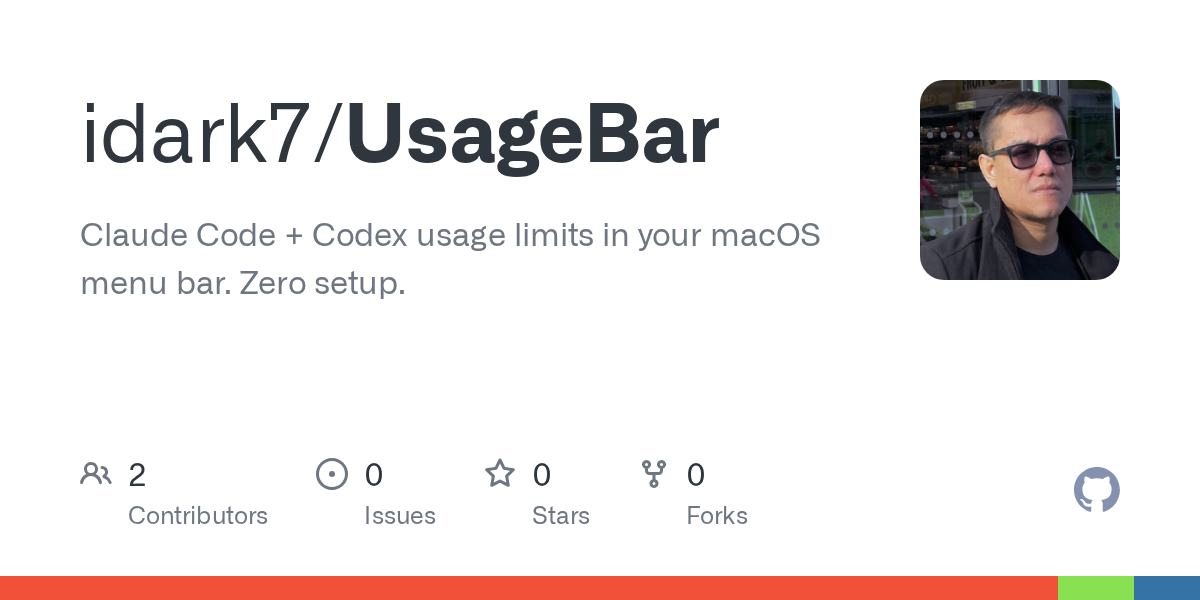
A developer going by idark7 has released UsageBar, an open-source macOS menu bar application that surfaces Claude Code and OpenAI Codex rate-limit data without requiring a browser tab or terminal command. The tool sits quietly in the system menu bar and updates in real time as API quota is consumed, giving AI-assisted coding workflows a persistent, glanceable status indicator.
This piece covers what UsageBar does, how it works alongside Claude Code and Codex, and how any macOS developer currently hitting invisible rate walls can get it running today. It is aimed at engineers who rely on Claude Code or Codex CLI day-to-day and want faster feedback on remaining quota before their session stalls mid-task.
What shipped in UsageBar – Claude Code and Codex rate limits
UsageBar is a native macOS menu bar app that reads rate-limit status for Claude Code and OpenAI Codex and renders it as a persistent icon-and-label in the system tray. The project is published on GitHub at github.com/idark7/UsageBar under an open-source license. Rather than surfacing raw API headers in a terminal, it translates quota state into a visual indicator a developer can check in a single glance between coding sessions. The app targets macOS specifically, meaning it integrates with the platform's native menu bar rather than running as a browser extension or web dashboard.
The tool covers both Claude Code, Anthropic's terminal-based coding assistant, and Codex, OpenAI's code-generation API, making it one of the few status tools to span both ecosystems simultaneously. Developers who use either assistant — or switch between them depending on task — get a single pane for quota visibility rather than context-switching between two vendor dashboards.
What improved in UsageBar – Claude Code and Codex rate limits
UsageBar addresses a specific friction point that has no official fix from either vendor: neither Anthropic's Claude Code CLI nor OpenAI's Codex surface remaining rate-limit quota directly in a persistent macOS UI. Until now, a developer needed to wait for a hard refusal error, check a web console, or parse API response headers manually to understand how close they were to throttling.
The table below summarizes the before-and-after experience for quota visibility on macOS:
| Dimension | Before UsageBar | After UsageBar |
|---|---|---|
| Quota visibility | Error on refusal or manual console check | Persistent menu bar indicator |
| Tool coverage | Vendor-specific dashboards only | Claude Code + Codex in one place |
| Platform integration | Browser tab or terminal | Native macOS menu bar |
| Refresh | Manual or API header parsing | Real-time, automatic |
Advertisement
Tech Pulse Daily
Get tomorrow's pulse first
Join engineers who read Tech Pulse before stand-up. Free, weekday mornings.
What you gain from UsageBar – Claude Code and Codex rate limits
The practical gain is reduced dead time. When a rate limit hits mid-session with Claude Code or Codex, a developer typically loses context: the request fails, the flow breaks, and time is spent diagnosing whether the issue is a network error, a credentials problem, or quota exhaustion. UsageBar makes quota state ambient information, so the developer can wind down a heavy session before hitting the wall rather than after.
There is also a longer-term workflow benefit for teams managing API spend. Seeing rate-limit headroom in real time lets a developer make smarter sequencing decisions — running expensive multi-file refactors early in a billing window and saving lighter completions for when quota is low. Because UsageBar covers both Claude Code and Codex, engineers who route tasks to different models based on availability can use a single indicator to inform that routing decision without leaving their editor.
How to get UsageBar – Claude Code and Codex rate limits
UsageBar is available directly from its GitHub repository. To install it, clone the repository and follow the build instructions in the project README:
git clone https://github.com/idark7/UsageBar.git
cd UsageBar
From there, open the project in Xcode, build it for your Mac, and launch the resulting app. Once running, it will appear in the macOS menu bar. You will need valid API credentials for Claude Code and Codex already configured on your machine — UsageBar reads the rate-limit data those sessions expose rather than managing authentication itself. Check the repository's README for any dependency requirements before building, as native macOS apps occasionally require a specific SDK version or entitlement configuration to run correctly.
What to watch after UsageBar – Claude Code and Codex rate limits
The open questions for UsageBar center on longevity and coverage. Both Anthropic and OpenAI update their rate-limit response formats periodically, and a menu bar app that parses those signals will need to track those changes to stay accurate. Builders who adopt UsageBar should watch the GitHub repository for updates whenever either vendor ships a significant API revision — particularly around Claude Code, which Anthropic has been updating at a faster cadence than its standard API.
A second area to watch is cross-platform support. Currently the project targets macOS exclusively. Developers on Linux who run Claude Code in terminal-heavy environments have no equivalent native solution, and a community fork targeting that platform would be a natural next step. Anyone who encounters quota-parsing errors after an Anthropic or OpenAI API update should file an issue on the repository so idark7 can adjust the parsing logic before it affects a wider user base.
Developer Action Items
- ☐ Diff the official changelog for OpenAI / Anthropic / Claude before you bump — APIs, defaults, and removed flags only.
- ☐ Install through the vendor's documented channel in staging; keep a one-command rollback and time-box the canary.
- ☐ Grep your repo for old flag names, lockfile pins, and plugin versions that the notes mark as breaking.
- ☐ Prefer the first patch cut over the day-zero tag unless you have a reason to be on the leading edge.
- ☐ If HN Claude/Codex/Fable did not name a region, plan, or SKU, screenshot the official availability line before you promise it to users.

Author
Dillip Chowdary
Writes Tech Bytes coverage of AI, engineering, and the tools that actually ship. Editor of Tech Pulse Daily.
Related on Tech Bytes
Jev – System-1 Agent Architecture Radar (open-source)
Read →
Review: Satechi’s Thunderbolt 5 CubeDock pairs perfectly with the new M6 Mac mini
Read →
Moneypenny: Build Grok bot like bots in Claude or codex
Read →
Bun Rewrites 535K Lines of Zig into Rust in Four Months, Eliminates Numerous Memory Leaks
Read →
Today's Tech Pulse briefing
Full briefing →
Advertisement